Disclosure: UPLIFT Desk provided these products at no cost for review. All opinions are my own. This post contains affiliate links.
You can tell the UPLIFT V3 Standing Desk is built different before you even take it out of the box. The steel frame has real weight to it, the kind that makes you confident this desk isn't going to wobble at standing height. I got the desk assembled a couple days ago and have already been switching between sitting and standing more than I expected. The motor is quiet, the height presets are instant, and the walnut laminate desktop looks better in person than any product photo I've seen. I'm already looking forward to building out the full workstation around it.
I configured an UPLIFT V3 Standing Desk through the UPLIFT Desk Builder and documented the entire unboxing, assembly, and first impressions. Six boxes showed up with the V3 frame, a walnut laminate desktop, the Clarksville Ergonomic Chair, an Inclining Walking Pad, and a full set of desk accessories from cable management to a standing desk mat.
Every photo in this article is mine, taken as I opened each box for the first time. No staging, no product shots pulled from a website. Just what it actually looks like when you unbox a complete UPLIFT Desk workstation.

What UPLIFT Desk Shipped
Here's what arrived:
- UPLIFT V3 Standing Desk Frame (black, C-frame, 27.5" feet)
- 60" x 30" Walnut Laminate Desktop (Greenguard Gold certified)
- Clarksville Ergonomic Chair (black)
- Inclining Walking Pad
- Range-X Single Monitor Arm (black)
- LED Desk Lamp E7 with Clamp (black)
- Advanced Keypad with USB and Bluetooth Adapter
Plus cable management accessories (clips, zipped sleeves, surge protector, under desk hooks), a Pop Up Power Grommet, soft roll casters, a standing desk mat, a headphone stand with a Pheasantwood block, and a few extras like a clamp-on cup holder, bottle opener, and an Austin tumbler from their HQ in Texas.
I didn't request the Clarksville chair or the walking pad. Those showed up as surprises. The boxes had "er.go.nom.ic" printed on the side with "designed for efficiency and comfort in the working environment" underneath. Nice touch.
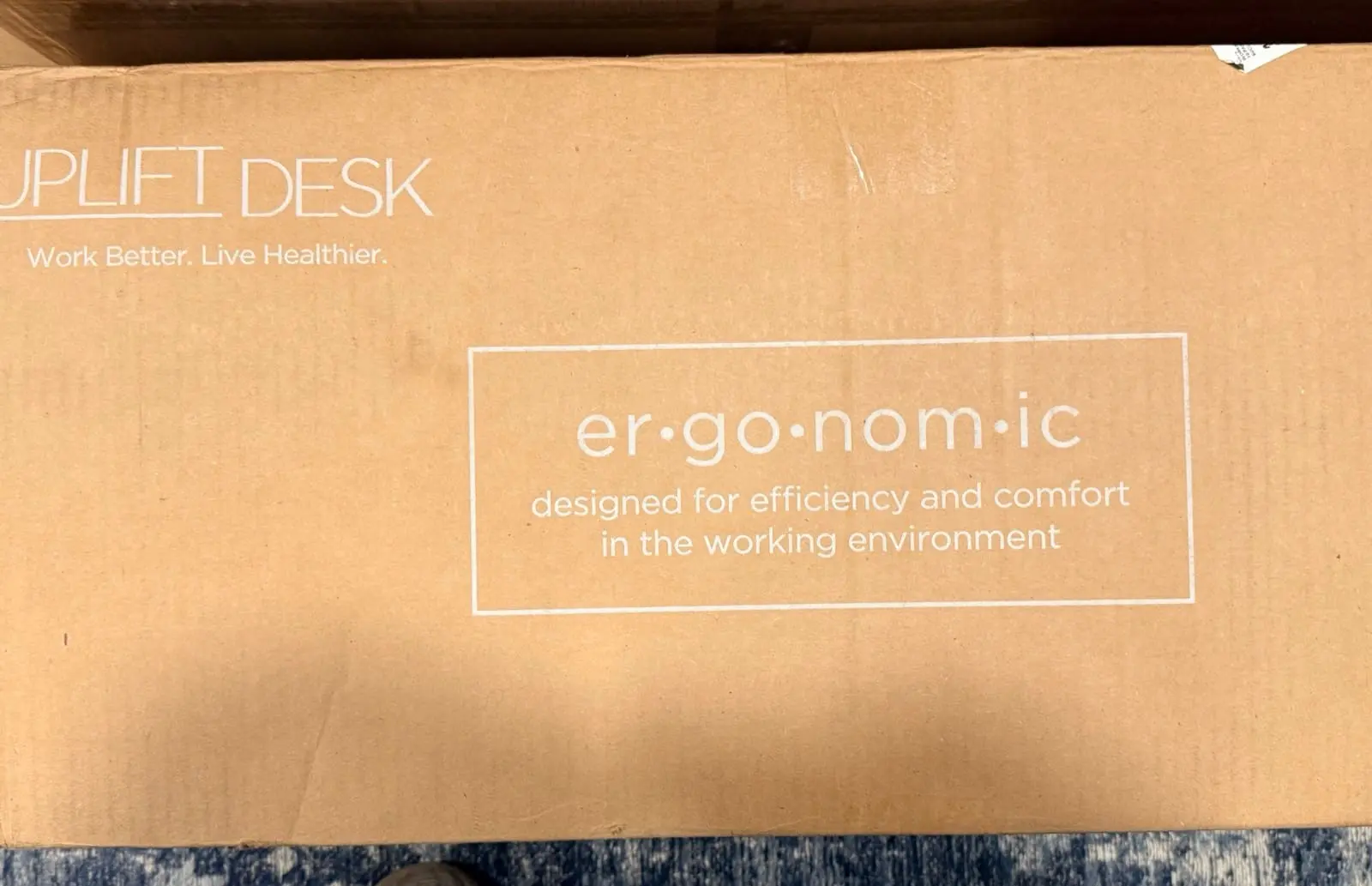
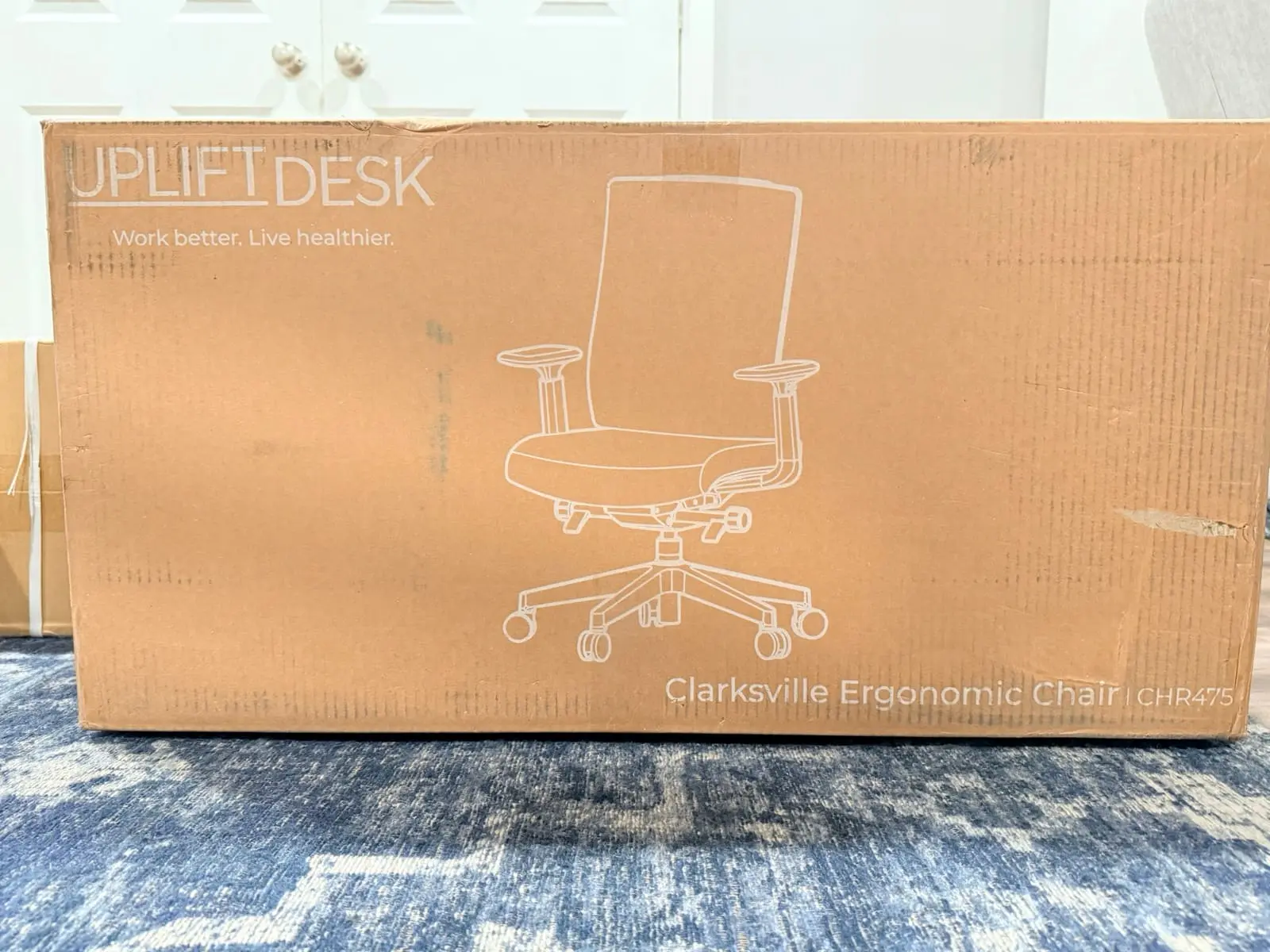
The delivery driver stacked everything in the garage. The desk frame was the heaviest by far. I needed a second person to help carry it down to the basement where my office is, and even with two of us it felt like hauling a bag of concrete down the stairs.
The walking pad box had the most visible damage. A few dents on the corners, but nothing that looked like it made it through the cardboard to the actual product. Everything else arrived clean.
I didn't realize the desktop was missing until I started putting together the desk. I actually thought it was in the treadmill box at first, but once I opened that I realized what it was. The 60" walnut laminate top ships separately and wouldn't arrive until the next day. So the full build had to wait.
Unboxing the UPLIFT V3 Frame
I started with the frame since it was already taking up half the floor space. First thing I noticed pulling it out was the weight. This steel is cold, heavy, and solid. Everything was packed into one box.
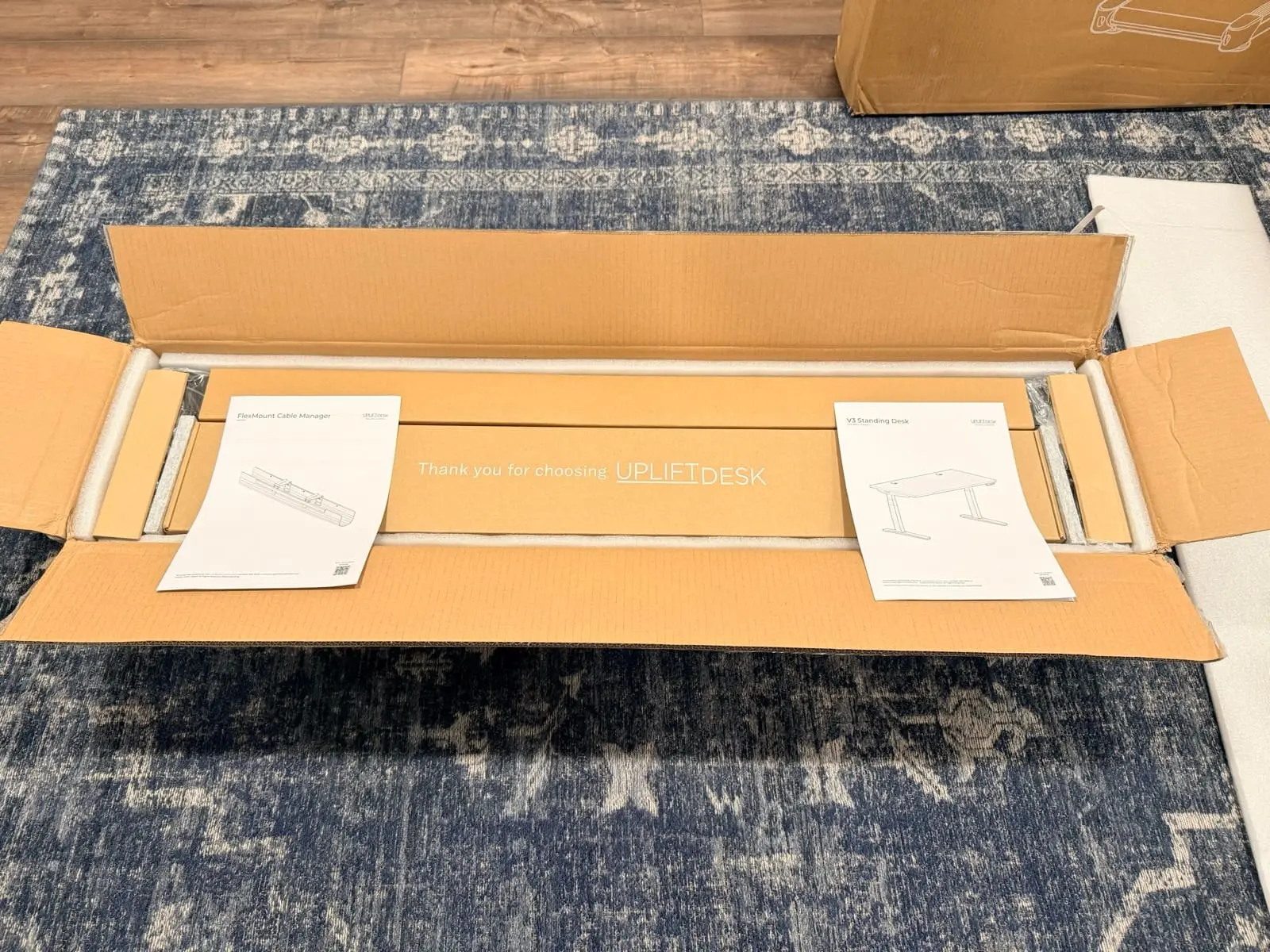
UPLIFT Desk's packaging impressed me here. It wasn't just foam peanuts and hope. The frame sat inside regular foam padding, but then there were two hard molded pieces on either side holding everything locked in place. No scratches anywhere. This thing was packaged clean.
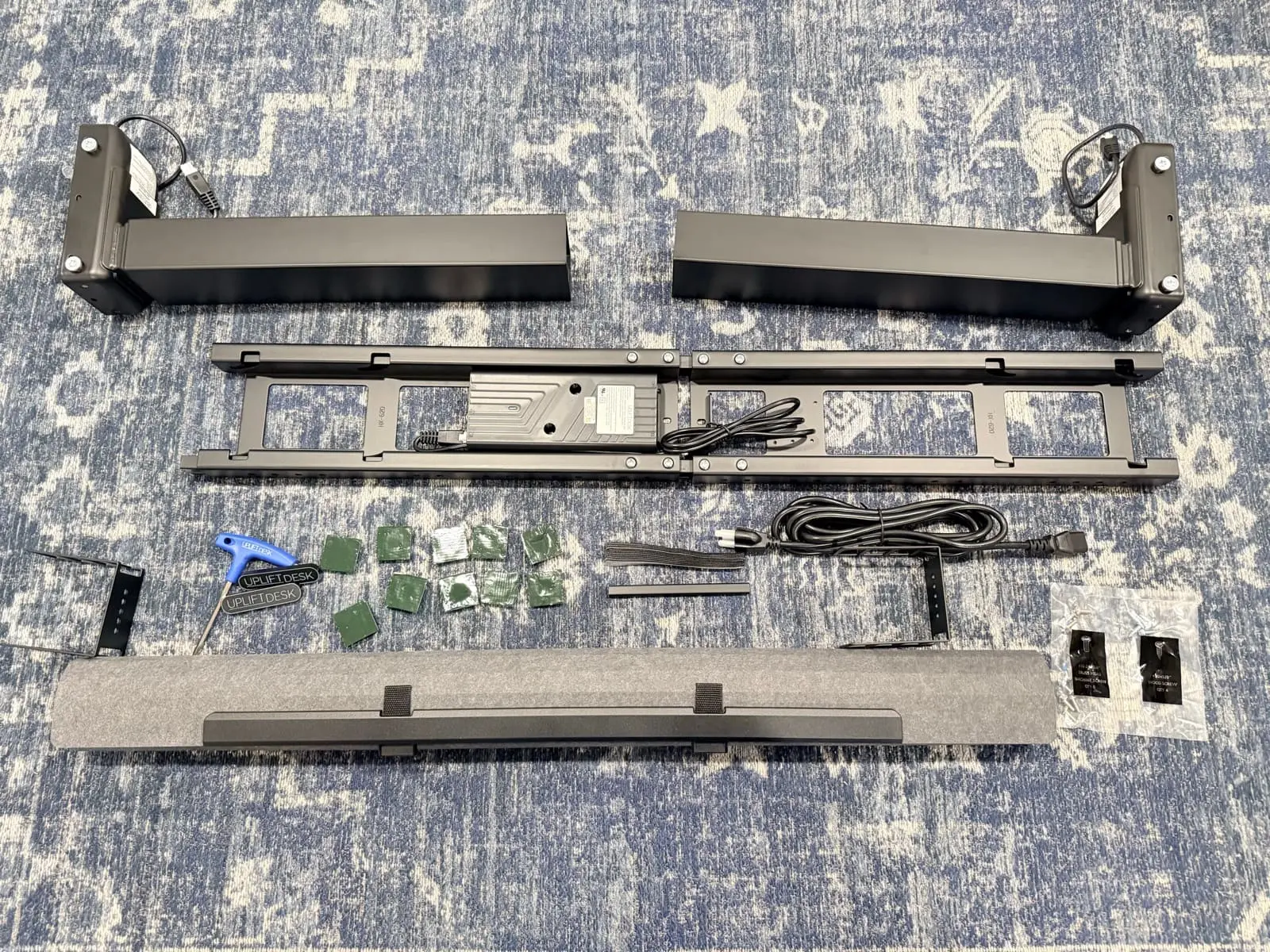
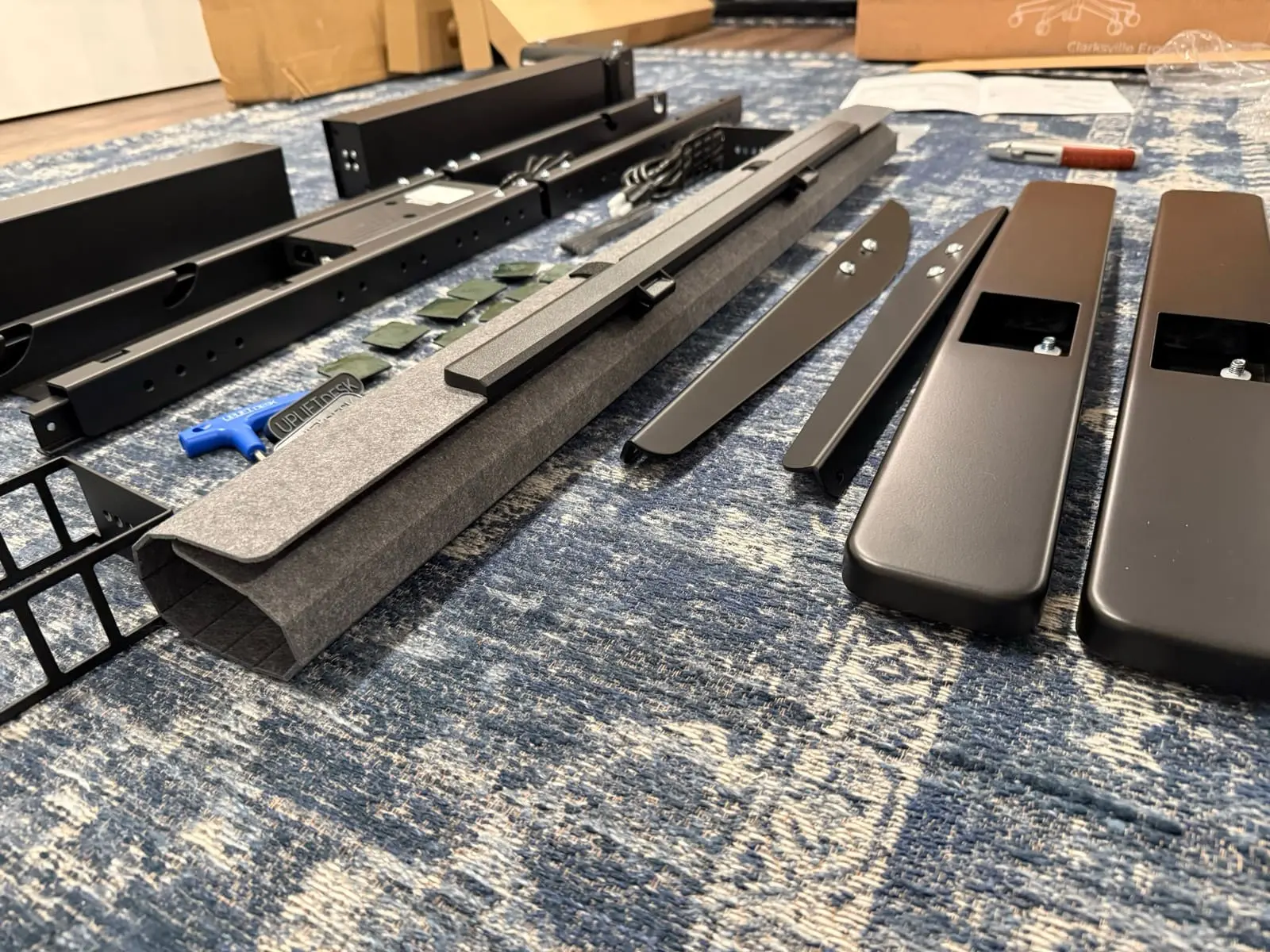
The frame uses dual-wall steel feet and a contract-grade steel i-beam crossbar. The FlexMount Cable Management system was included in the box, the patent-pending pouch that holds up to 10 lbs of cables with tool-free adjustment. The frame also has 48 threaded mounting points for UPLIFT Desk accessories like monitor arms, keyboard trays, and power strips.
I noticed a QR code on the instruction manual and scanned it, but it looked like a PDF of the same printed instructions. The printed instructions were clear enough on their own, so it didn't matter.
Unboxing the UPLIFT Inclining Walking Pad
While waiting for the desktop, I figured I'd set up the walking pad since it didn't need any other components.
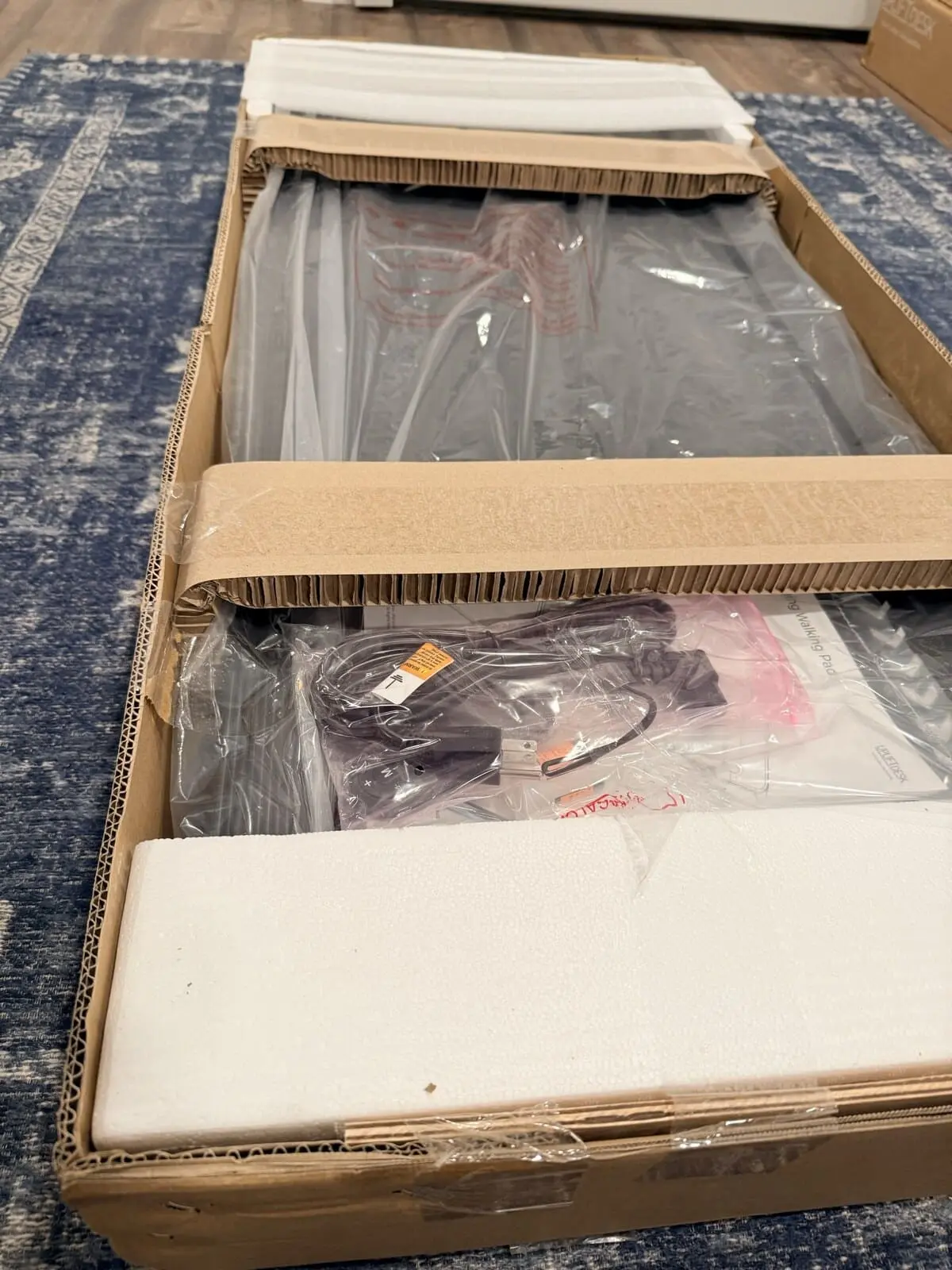
This thing is solid. I pulled it out of the dented box (the pad itself was totally fine), laid it flat, and found the remote control, a bottle of belt lubricant, and the manual. That was it. Plugin and done. Five minutes from box to walking, and most of that was me pausing to take pictures.
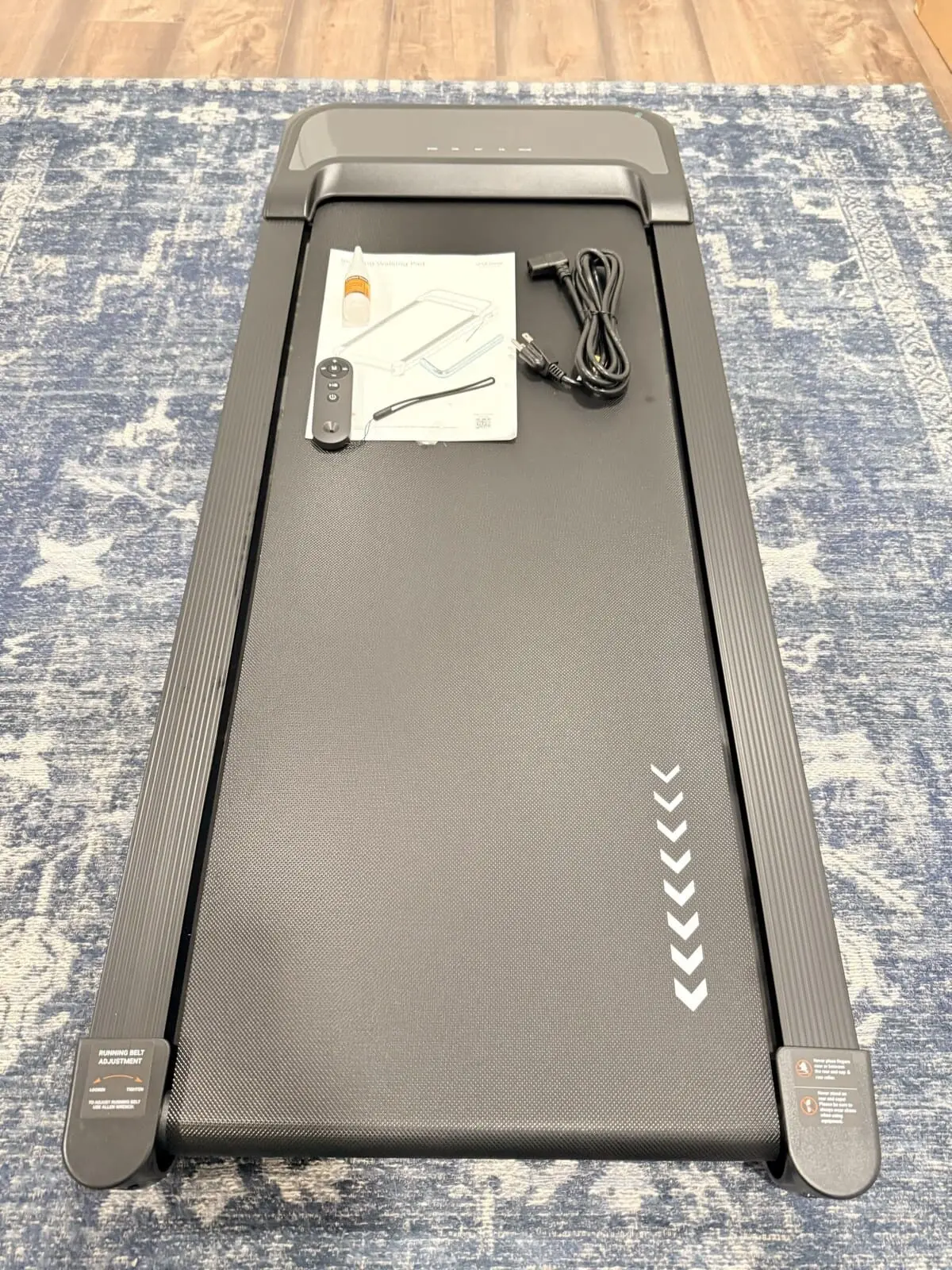
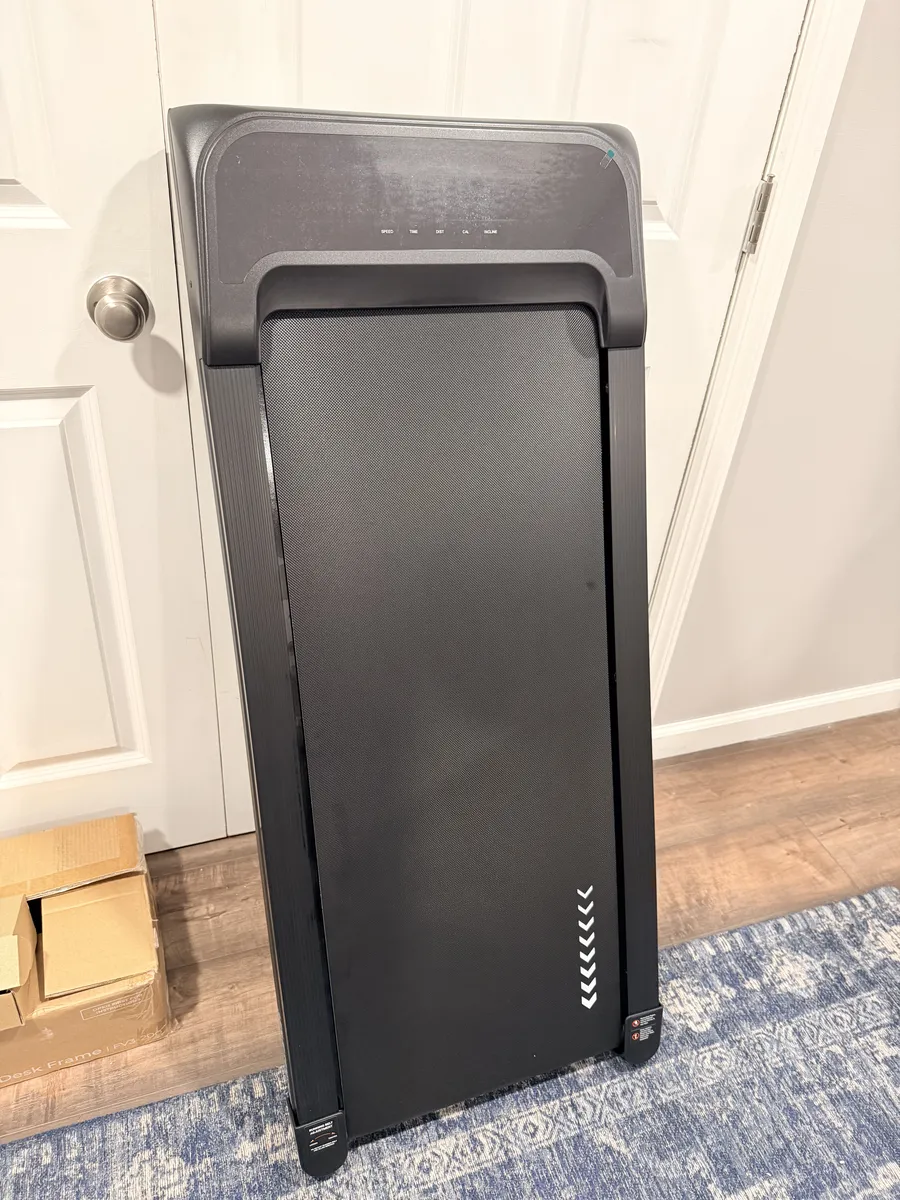
It has an incline feature that I didn't expect at all. I'd looked at flat walking pads before and assumed UPLIFT Desk's version was the same. The incline adds a whole different feel.
I stepped on, set it to a slow speed, and it felt like a normal treadmill. The belt is wide enough that I could walk comfortably without worrying about stepping off the edge. I didn't have to pay attention to my footing at all, which is the whole point if you're going to use it while working.
Noise was the other question I had. It runs at a light hum. Quiet enough that it wouldn't be picked up on a call. I'll test that more thoroughly in a dedicated review, but first impressions are solid.
The lubricant bottle has me curious though. How often do you actually need to use it? That's going on the list for the full review.
UPLIFT V3 Standing Desk Desktop and Assembly
The next day, the walnut laminate desktop showed up. 60 inches by 30 inches, Greenguard Gold certified, and it looks noticeably better in person than it does in product photos. The wood grain pattern has enough variation to look real without being distracting.
I assembled the desk that same evening. Most of the frame comes already put together, so the actual assembly is just attaching the feet, mounting the frame to the desktop, and plugging in the keypad. UPLIFT Desk cut the screw count by 50% compared to the V2 (16 instead of 32), and it shows. The control box comes pre-installed in the frame, and the upper frame crossbars are pre-assembled. I had the desk standing and operational before the end of the night.
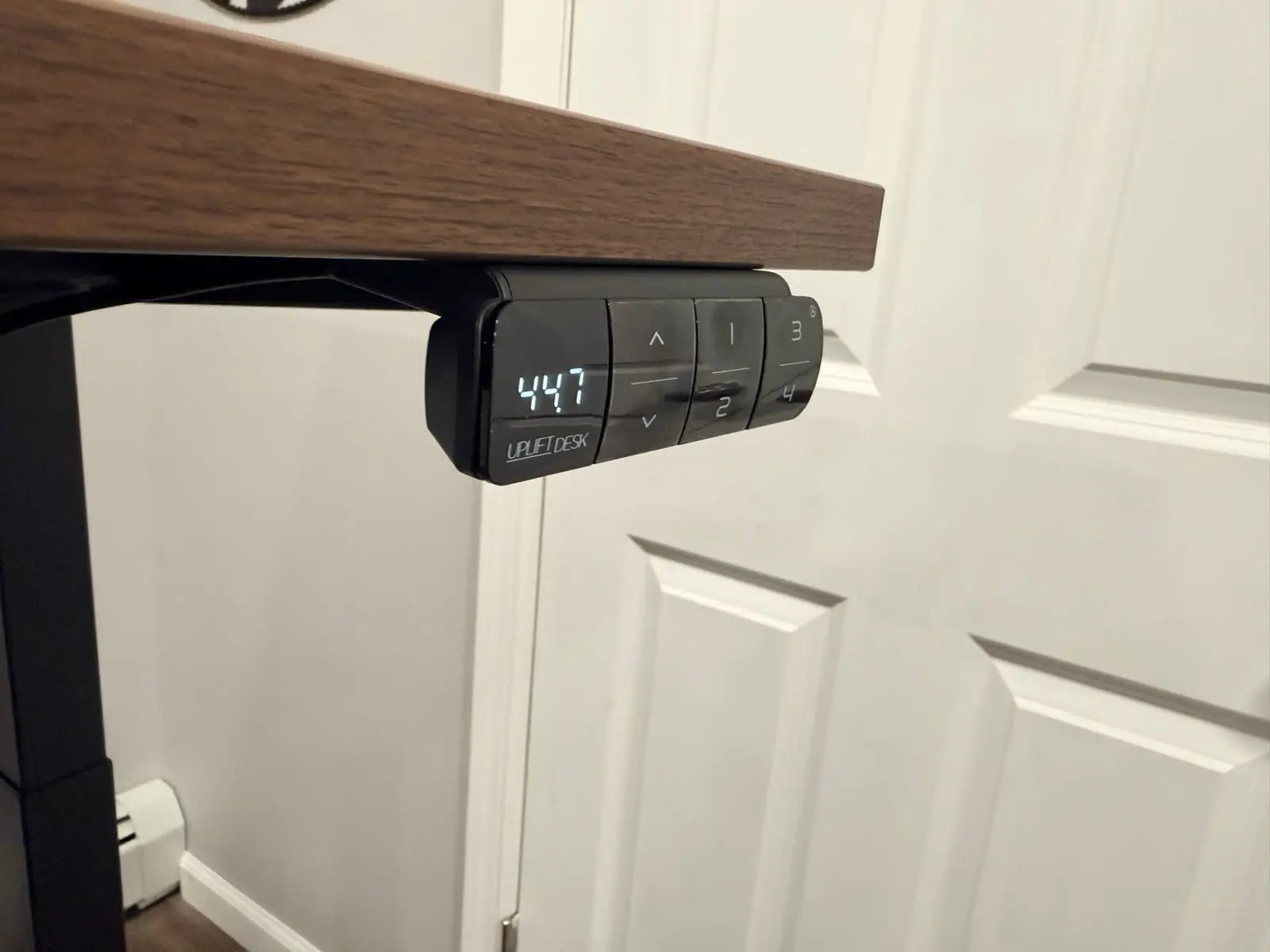
The Advanced Keypad has four programmable presets and a USB charging port on the side. The display shows the exact height down to a tenth of an inch. The dual precision motors lift at 2 inches per second under 48 dB, so the transition from sitting to standing takes about 8 seconds and is barely audible.
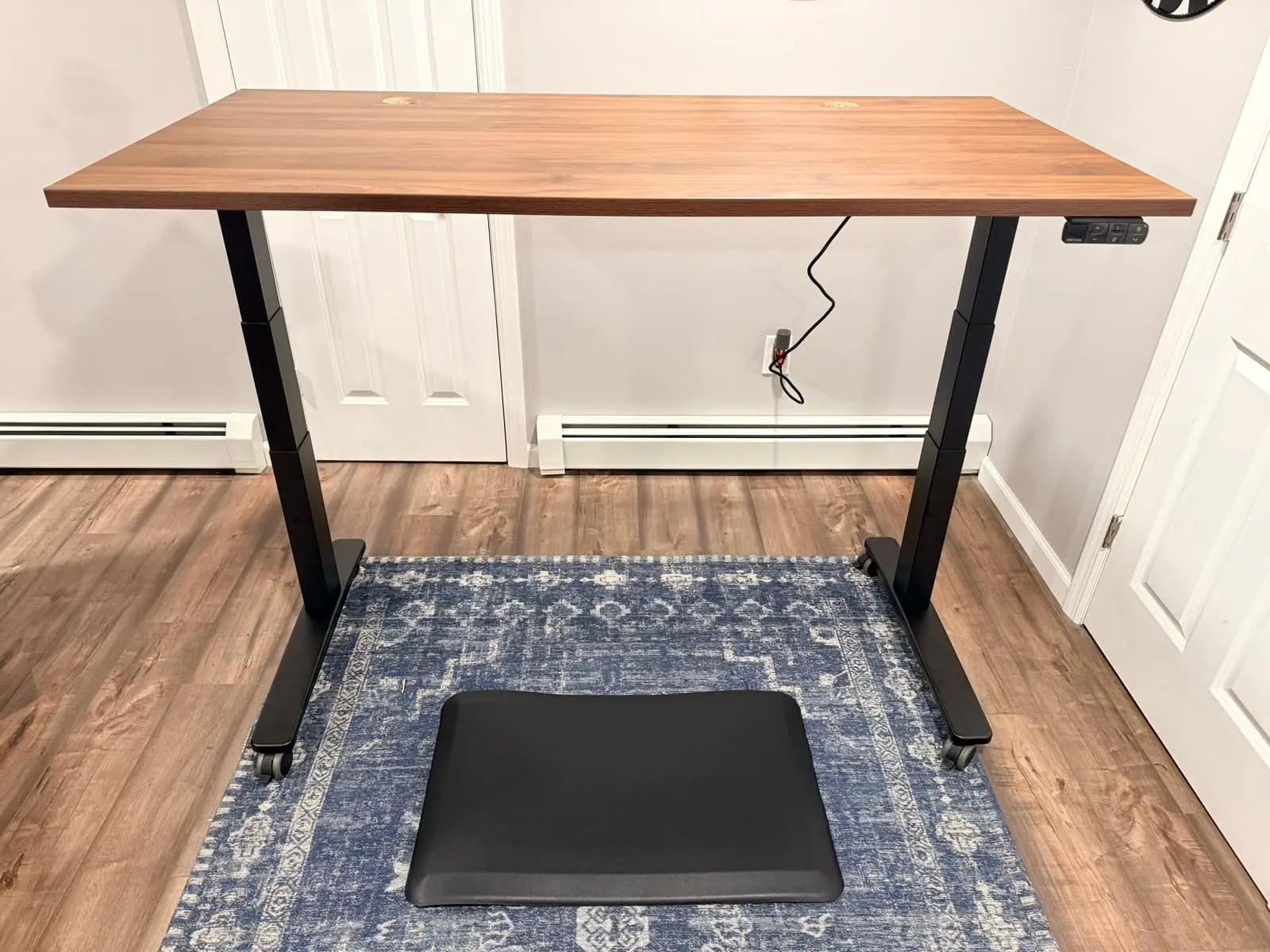
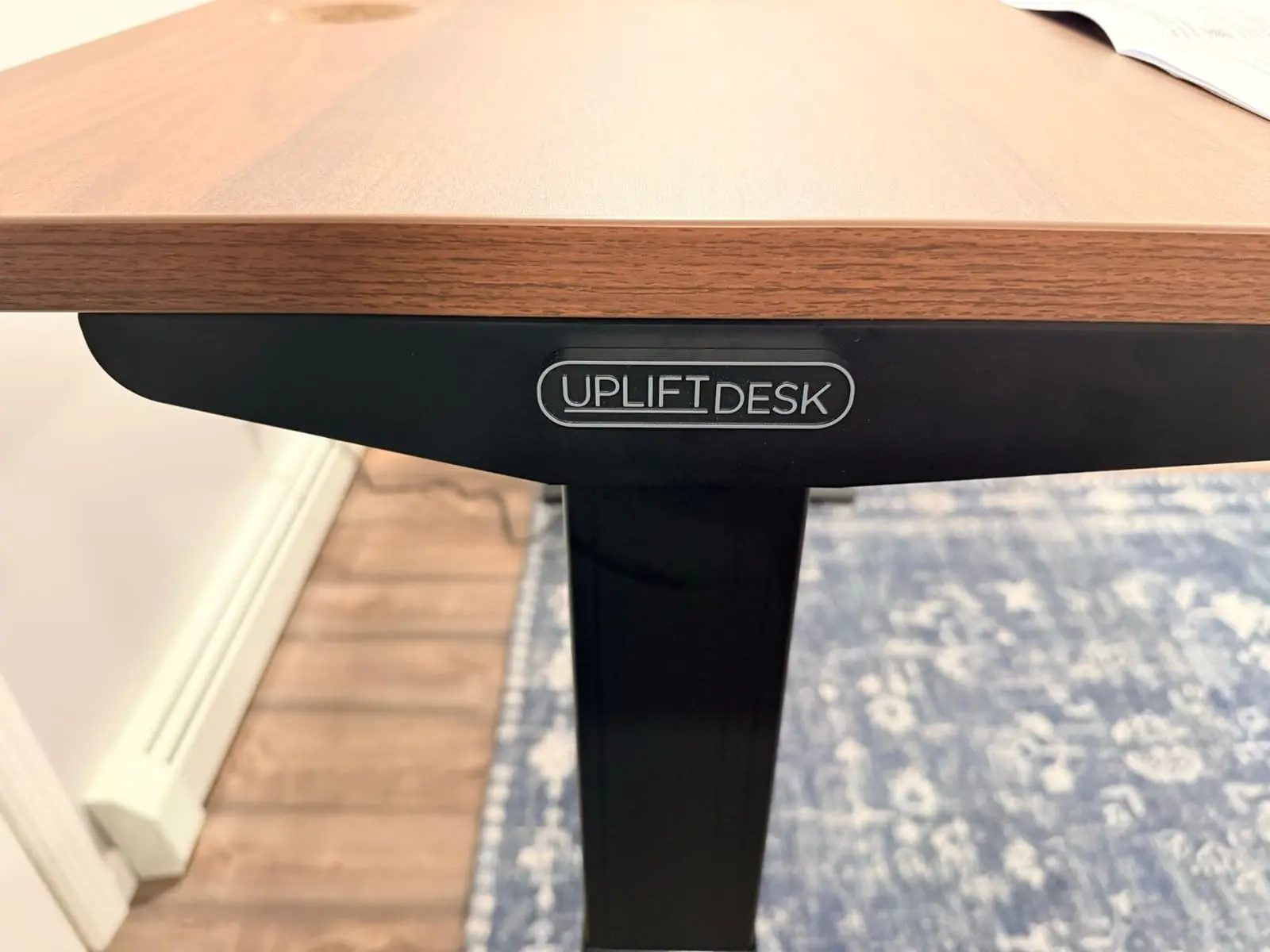
Once everything was together and the desk was at standing height with the mat underneath and casters locked in, I just stood back and looked at it for a minute. The UPLIFT Desk logo badge sits on the front edge of the frame, the walnut top catches the light from the desk lamp, and the whole thing looks like it belongs in someone's office who takes their setup seriously.
UPLIFT Desk Accessories and Add-Ons
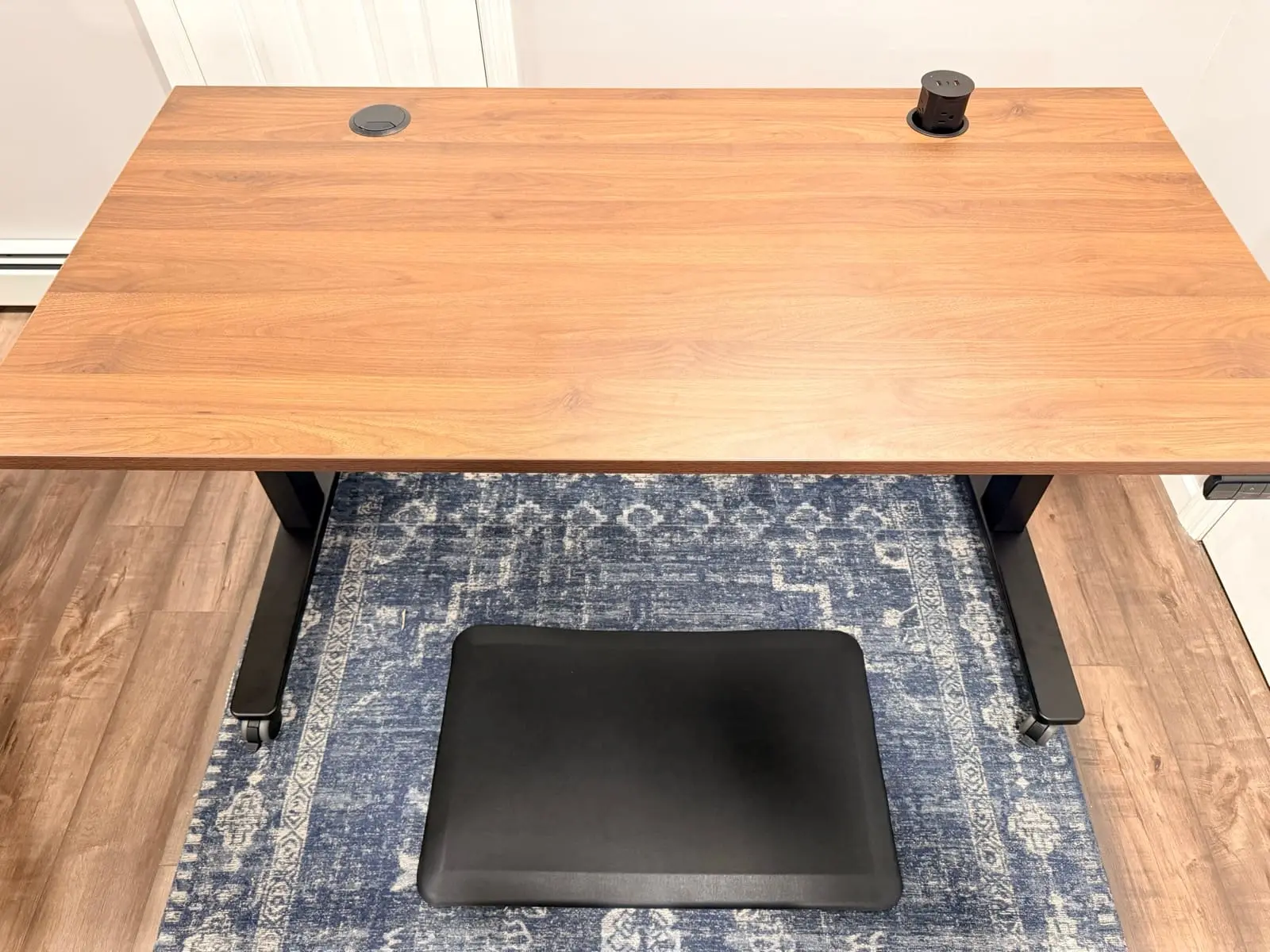
I haven't installed everything yet. The cable management clips, zipped sleeves, surge protector, and under desk hooks are sitting in a pile waiting for me to commit to a cable routing plan. The Pop Up Power Grommet is mounted but not wired. The Range-X monitor arm is still in its box.
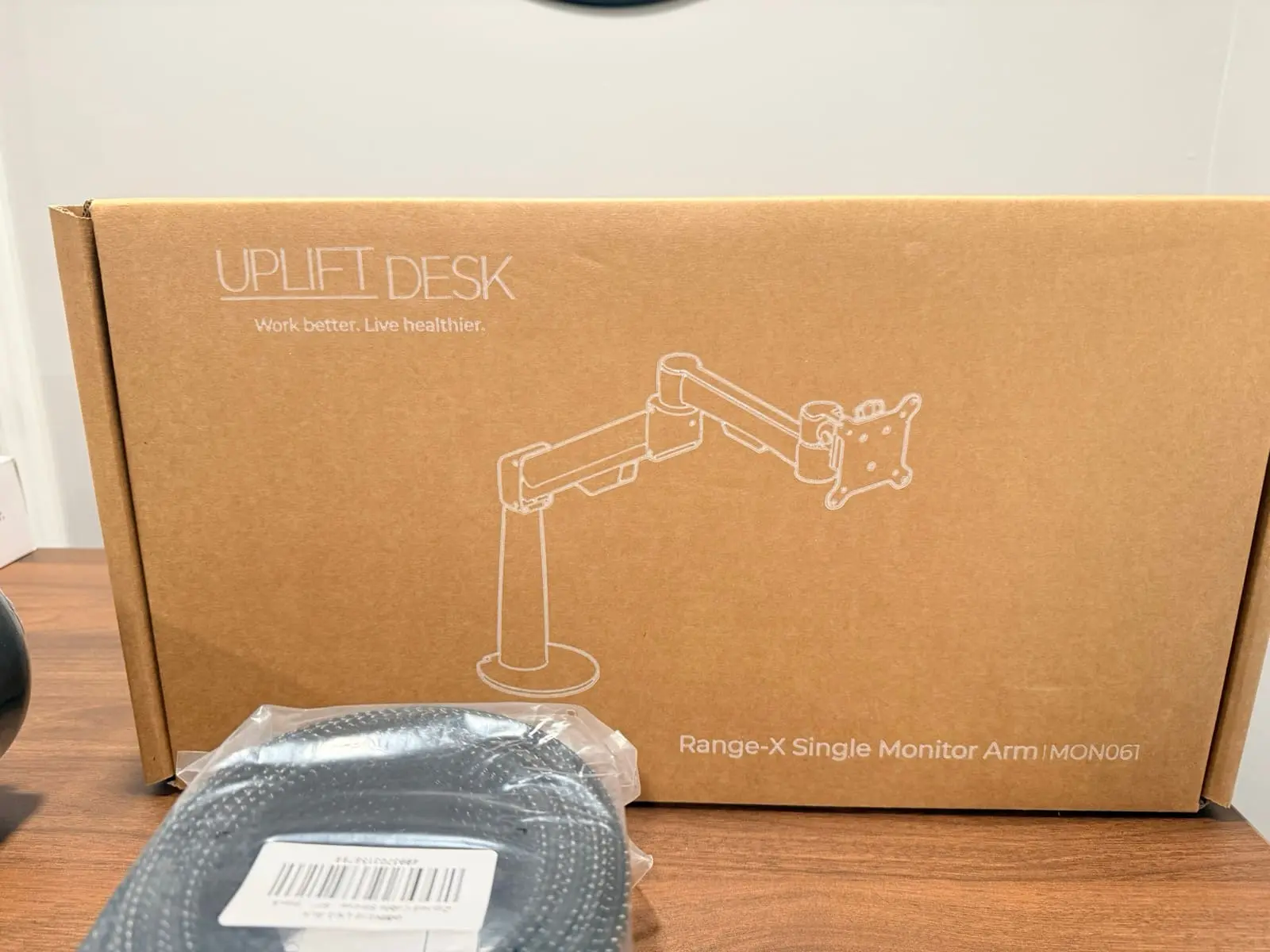
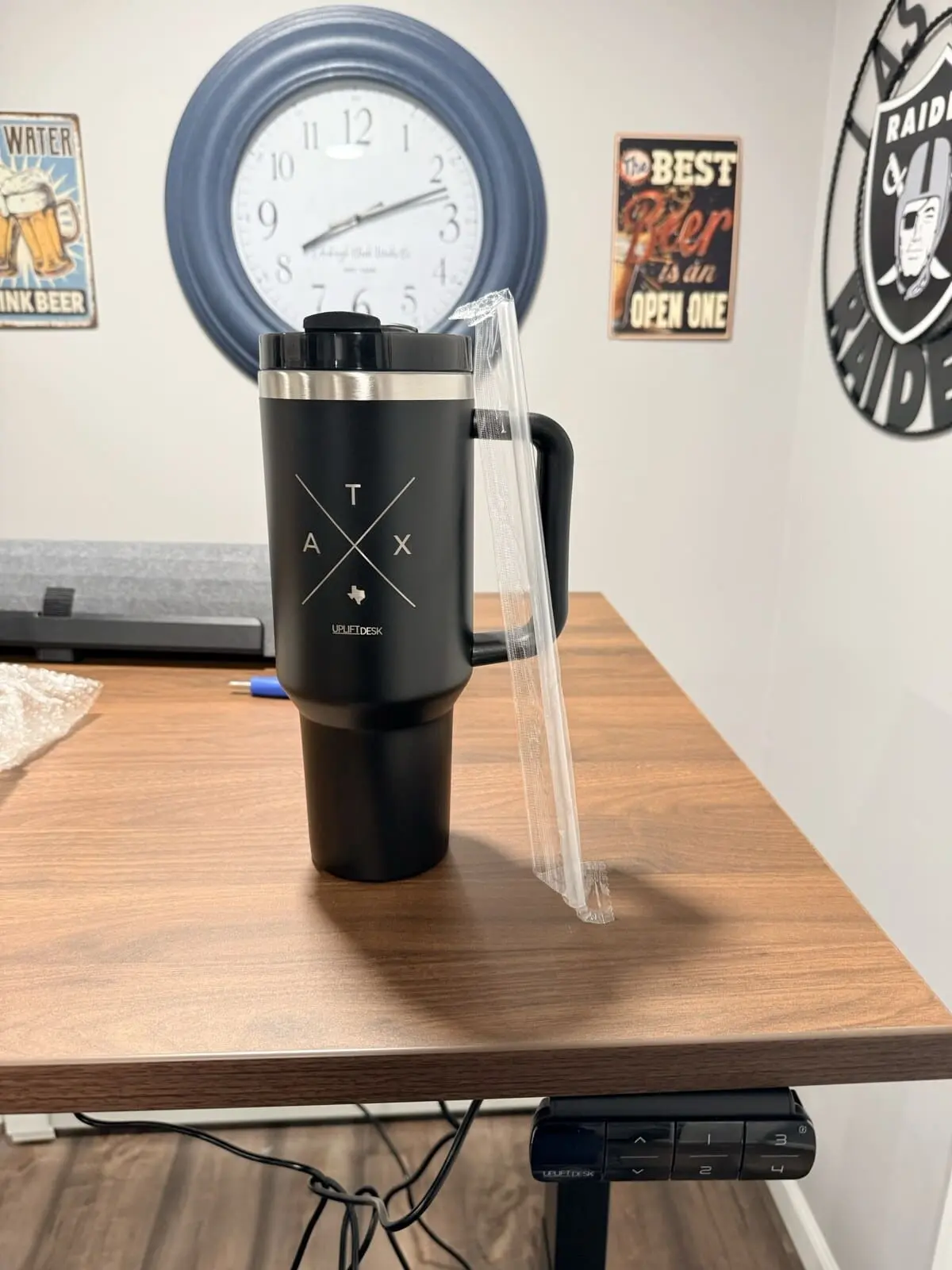
What I will say is the scope of what UPLIFT Desk sent is hard to overstate. This isn't just a desk. It's a complete workstation, from the casters on the floor to the lamp clamped on the edge to the cup holder on the side. Even the Austin tumbler (a branded travel mug from their headquarters in Austin, TX) and the bottle opener made me grin. They thought about this package.
The headphone stand with the Pheasantwood block is a small detail that stood out. They also sent a sample of the Pheasantwood desktop material, which feels premium. Heavy, smooth, real wood grain. If I ever upgrade the desktop, that's the one.
UPLIFT V3 Standing Desk First Impressions
There's a gap between reading specs on a screen and actually handling the product. The weight of the steel, the way the frame locks in at every height, the sound of the motor (or lack of it). These are things I couldn't get from a product page. Holding the parts in my hands, I get why UPLIFT Desk backs this frame with the UPLIFT Desk 15-year warranty. The UPLIFT V3 Standing Desk meets ANSI/BIFMA X5.5-2021 safety and quality standards, and the build quality reflects that.
The casters were a small thing that impressed me. You need a wrench to install them, and the desk has to be flipped upside down to screw them in. But once they're on, the desk rolls smooth and locks in place. It's a nice upgrade from the standard leveling feet.
A couple days in, I'm already using this desk more than I expected. I'll tap a preset, the desk adjusts in seconds, and I don't think about it again until the next switch. I still have a pile of accessories to install and a full cable management plan to figure out, but the foundation is solid. I'm looking forward to building the rest of this workstation out and sharing every step along the way.
Frequently Asked Questions
How heavy is the UPLIFT V3 Standing Desk frame?
Heavy. I needed a second person to carry it down a flight of stairs, and even then it felt like hauling a bag of concrete. The steel is thick and solid. Plan for two people if you're not on a ground floor.
How long does the UPLIFT V3 Standing Desk take to assemble?
UPLIFT Desk rates the assembly at approximately 5 minutes with a single tool, thanks to the 50% reduction in screws (16 vs 32 on the V2), pre-installed control box, and pre-assembled upper frame crossbars. My assembly took longer because I was taking photos and documenting every step, but the actual hands-on time was fast. If you're not stopping to photograph, you could have it standing quickly.
Does the UPLIFT V3 Standing Desk desktop ship separately?
Mine did. The frame, accessories, and everything else arrived together, but the 60" x 30" walnut laminate desktop showed up the next day in its own box. Just something to plan for if you're setting aside time for assembly.
Is the UPLIFT Inclining Walking Pad quiet?
At low speeds it runs at a light hum. Quiet enough that I don't think it would get picked up on a video call. I'll do proper noise testing in a dedicated walking pad review, but first impressions were better than I expected.
Does the UPLIFT V3 Standing Desk wobble?
Not that I've noticed. The dual-wall steel feet, contract-grade i-beam crossbar, and steel plate motor housing covers keep it stable at standing height. The UPLIFT V3 Standing Desk carries a 355 lb weight capacity, so the frame has plenty of structural margin for a standard home office setup. I'll be testing this more over the coming weeks, but out of the box the desk feels rock solid at every height preset I've set.
What are the key UPLIFT V3 Standing Desk specs?
- Weight Capacity: 355 lbs
- Height Range: 22.6" to 48.7" (26.1" travel), accommodates ~95% of the population
- Lift Speed: 2"/sec with dual precision motors under 48 dB
- Assembly: ~5 minutes, 16 screws, 1 tool, pre-installed control box
- Desktop Options: 50+ materials from UPLIFT Desk
- Cable Management: FlexMount included (holds 10 lbs, tool-free adjustment)
- Mounting Points: 48 threaded points for accessories
- Safety: ANSI/BIFMA X5.5-2021 compliant
- Warranty: UPLIFT Desk advertises 15-year coverage; check the current written terms for covered components and exclusions
What's Coming Next
This unboxing is just the start. I'll be publishing separate, detailed reviews for:
- Clarksville Ergonomic Chair: how it compares to the chairs in our best ergonomic chairs guide after daily use
- Inclining Walking Pad: noise levels, long-session comfort, incline testing, and whether it actually works while taking calls
- Range-X Monitor Arm: installation, adjustability, and how it stacks up against the arms in our monitor arm guide
- Full UPLIFT V3 Standing Desk Review: after a few weeks of daily use, with real stability testing, noise measurements, and a complete setup walkthrough
Follow along as I build out this workstation piece by piece.
If you want the two FlexiSpot frames against each other instead of the V3 compare, see FlexiSpot E6 Pro vs E7 Pro. That 1v1 stays inside FlexiSpot. Both desks stay research-backed.
If you want the two-motor E7 Pro against the four-motor E7 Plus Max instead of that two-motor 1v1, see FlexiSpot E7 Pro vs E7 Plus Max. That page is the 2-motor vs 4-motor FlexiSpot split, not E7 Pro vs V3. Both desks stay research-backed.
Related Guides
- FlexiSpot E7 Pro vs UPLIFT V3: Head-to-head comparison with the top competitor
- FlexiSpot E6 Pro vs E7 Pro: Research-backed E6 Pro vs the current E7 Pro, not vs V3
- FlexiSpot E7 Pro vs E7 Plus Max: Two-motor E7 Pro vs four-motor E7 Plus Max, not vs V3
- Which UPLIFT Standing Desk Is Right for You?: Full UPLIFT Desk lineup
- Best Standing Desks Under $700: Full roundup including budget options
- Best Ergonomic Chairs Under $400: Clarksville reviewed alongside competitors
- Best Monitor Arms for Desk Space: Range-X and alternatives
- Best Desk Lamps for Home Office: E7 lamp and alternatives
- Best Walking Pads with Incline: Inclining Walking Pad and alternatives
- Desk Cable Management: Setup Guide: The cable plan for this setup
- Best Ergonomic Desk Setup: Complete Guide: Full workstation walkthrough