Sihoo Prime Day SaleUp to 60% off Sihoo chairsShop the sale
The Workstation Atlas · A Field Guide

The workstation, deconstructed.

An honest field guide to the ergonomic home office. Three reference setups, built across the same eight components. Live prices, independent picks, and a single thesis for what a working desk should be.

The Setups

Pick a build. The page reconfigures itself.

The Anatomy

Eight pieces, one working desk.

Each chapter examines one component category in the order you should solve it. The active setup above selects the pick. The reasoning is the same for all three.

01 / 08Professional

The Desk

Where the day actually happens.

Everything else hangs off this surface. Get the height range right and the rest of the ergonomic chain (chair, arms, eyes) has somewhere to land. Get it wrong and you are buying a chair that compensates for a desk that cannot.

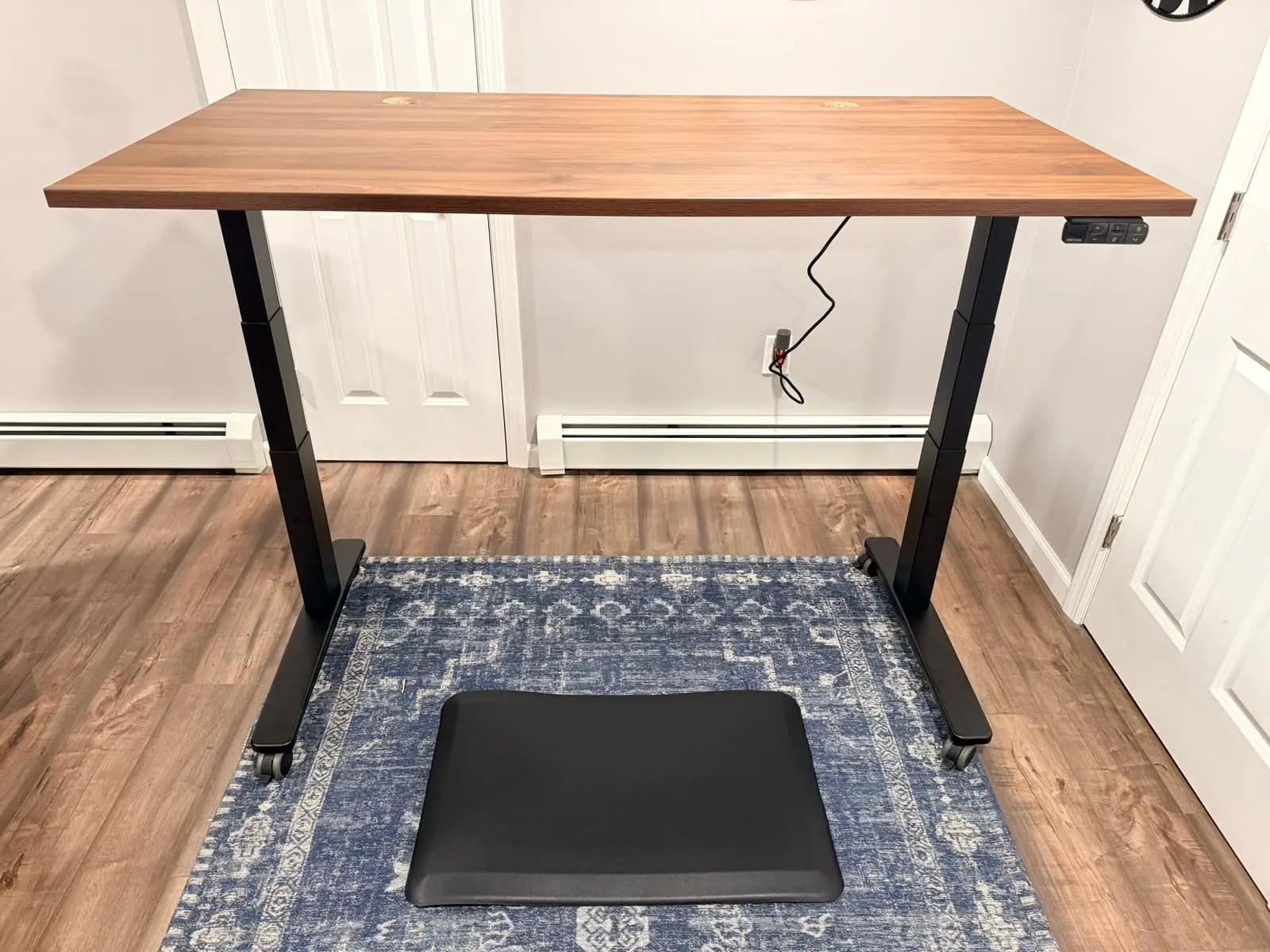
A working desk is judged on three numbers: lowest sitting height, highest standing height, and how much it shakes at the top. Cheap frames pass the first two and fail the third. The Essentials build sidesteps the question with a fixed-height bamboo top. The Professional and Executive builds use the same dual-motor frame the rest of the site has been built on for two years.

Every other component assumes the desk holds still.

02 / 08Professional

The Chair

Eight hours, supported.

No piece touches you longer. A working chair is the difference between standing up at 5pm because you choose to and standing up because you have to.

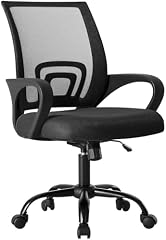
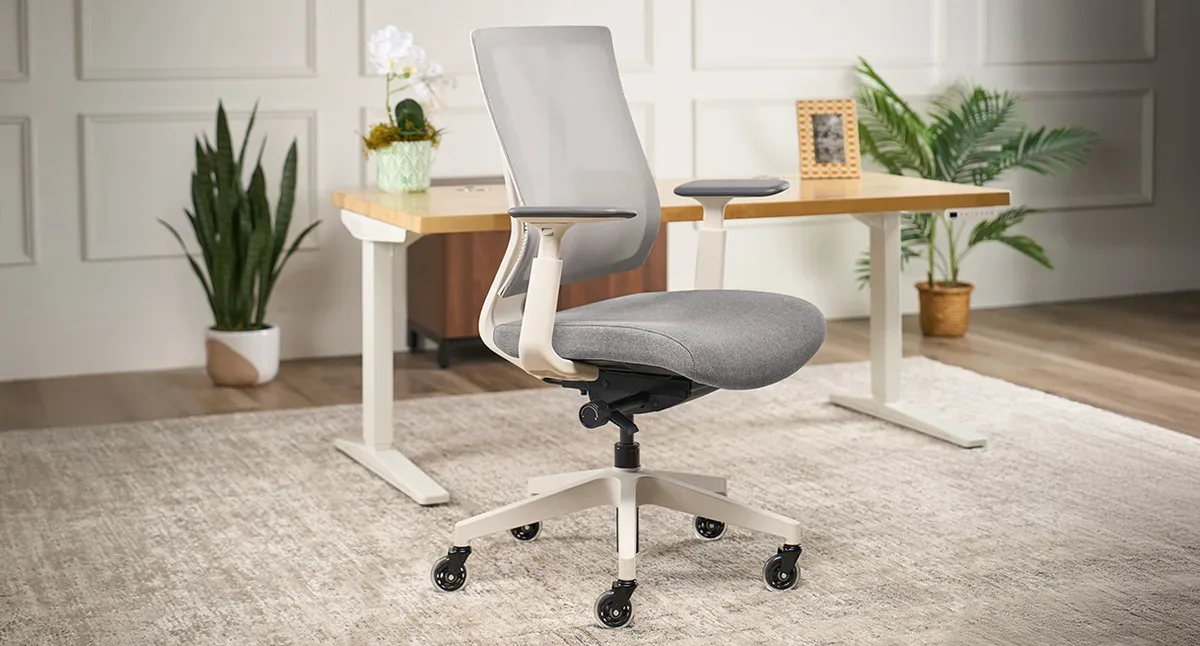
The non-negotiables: adjustable lumbar that meets your spine, armrests that move with your keyboard, and a seat that does not become a slow-motion hammock by year three. The Essentials pick gets the basics right. The Professional pick adds dynamic lumbar. The Executive pick is the chair we sit in.

A good chair is the only piece you negotiate with for eight hours a day.

03 / 08Professional

The Monitor Arm

Screen, freed from the desk.

A monitor on a desk is a monitor at the wrong height. A monitor on an arm is a monitor at any height, including the one your neck wants.

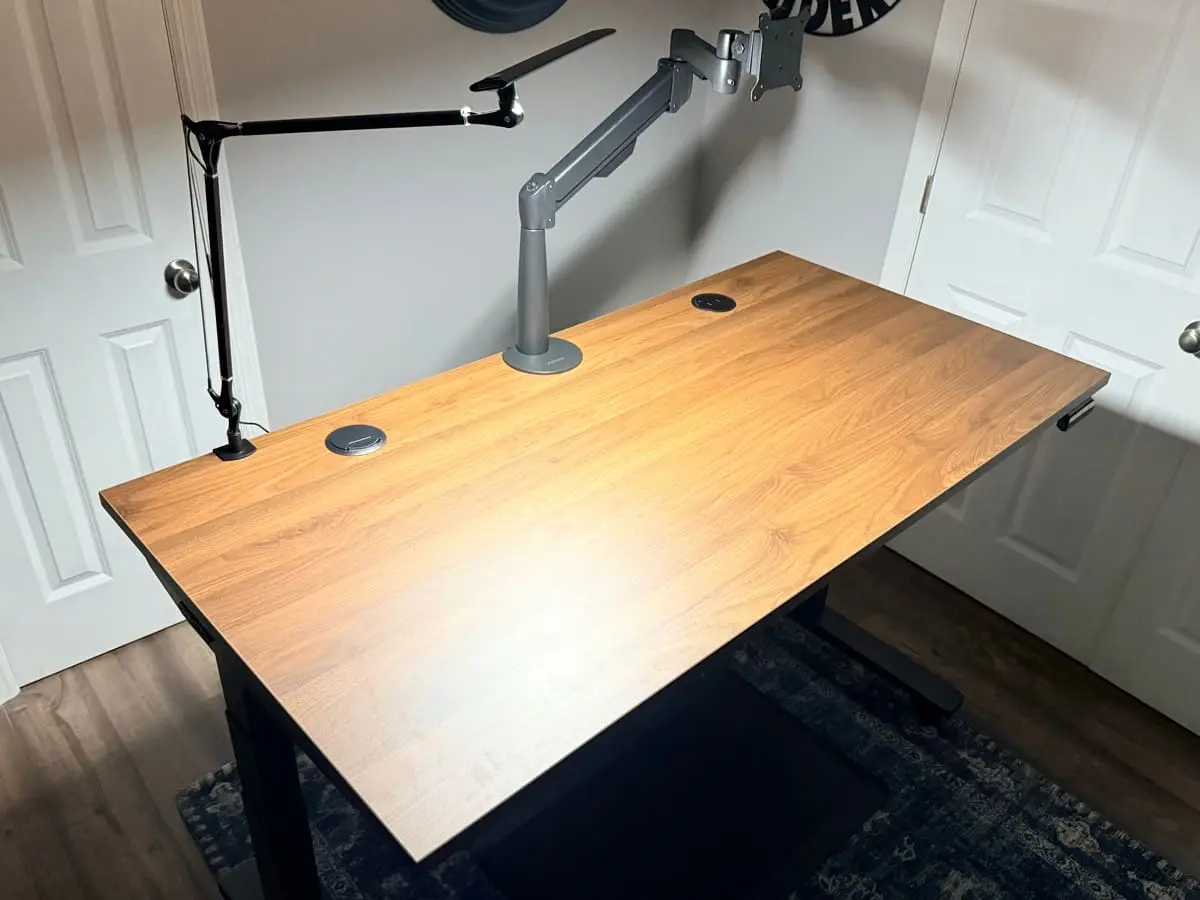
The arm is the cheapest ergonomic upgrade in the room and the one most home offices skip. It frees the desk for actual work, lets the screen rise an inch when you stand, and removes the slouch your monitor stand was quietly enforcing. The Executive build doubles up for a second screen.

The arm is the cheapest fix for the most common complaint.

04 / 08Professional

The Keyboard

The interface you touch most.

You will tap this object more than you will speak today. It deserves more thought than the bundled rubber dome that came with the laptop.

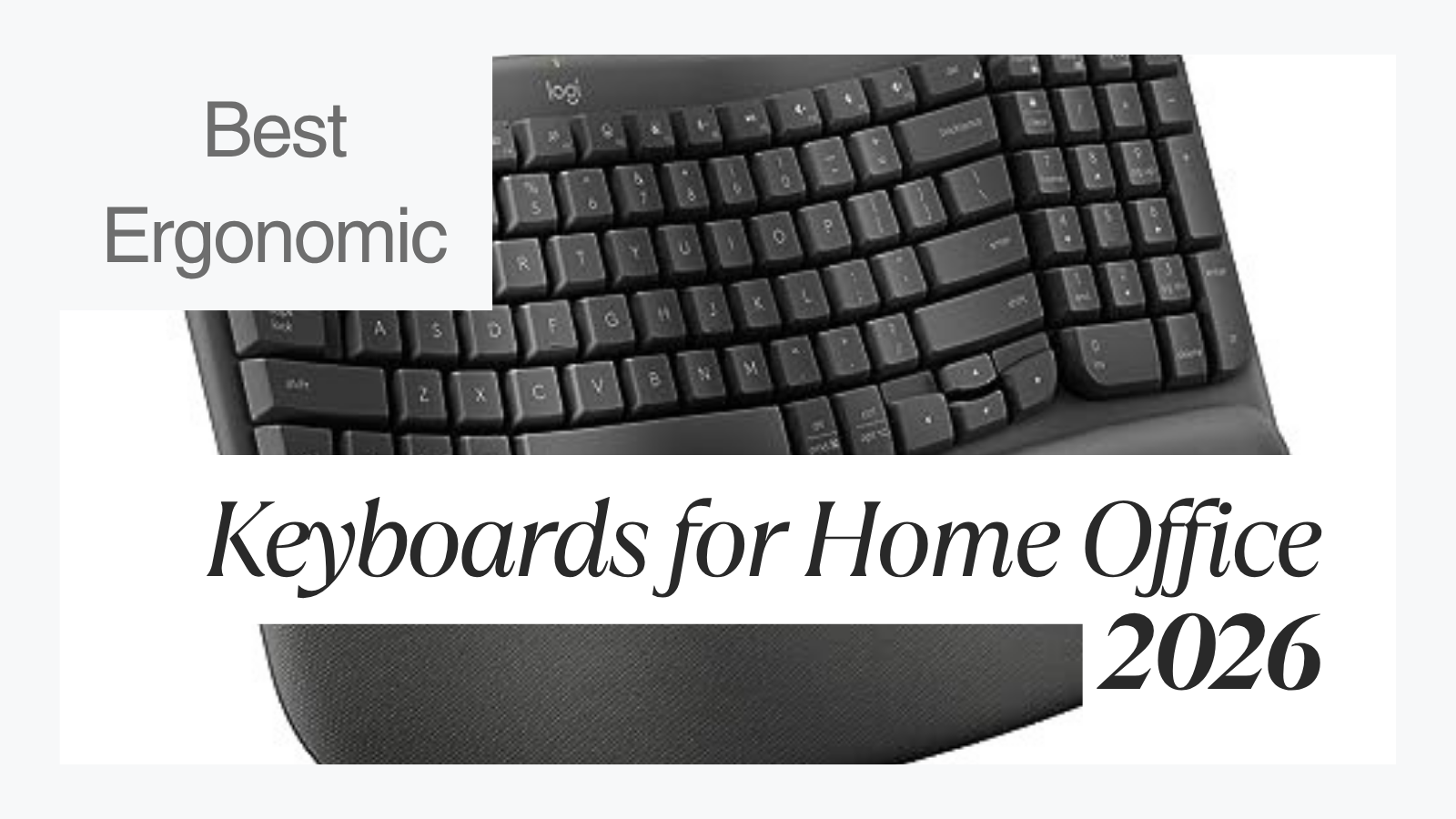
Wrist neutral position is the goal: a flat or slightly tented angle, not the upward break that thin laptop keyboards force. The Essentials wave gets the curve at zero cost-of-entry. The Professional split lets each hand sit naturally apart. The Executive contoured shape is what serious typists graduate to.

The keyboard is where ergonomics becomes a daily, hourly conversation with your wrists.

05 / 08Professional

The Mouse

Wrist, palm, intent.

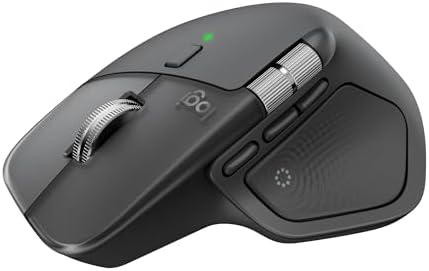
Most desk pain shows up in the mouse hand first. The mouse is also the input you can upgrade in five minutes for under $80 and feel the difference the same afternoon.

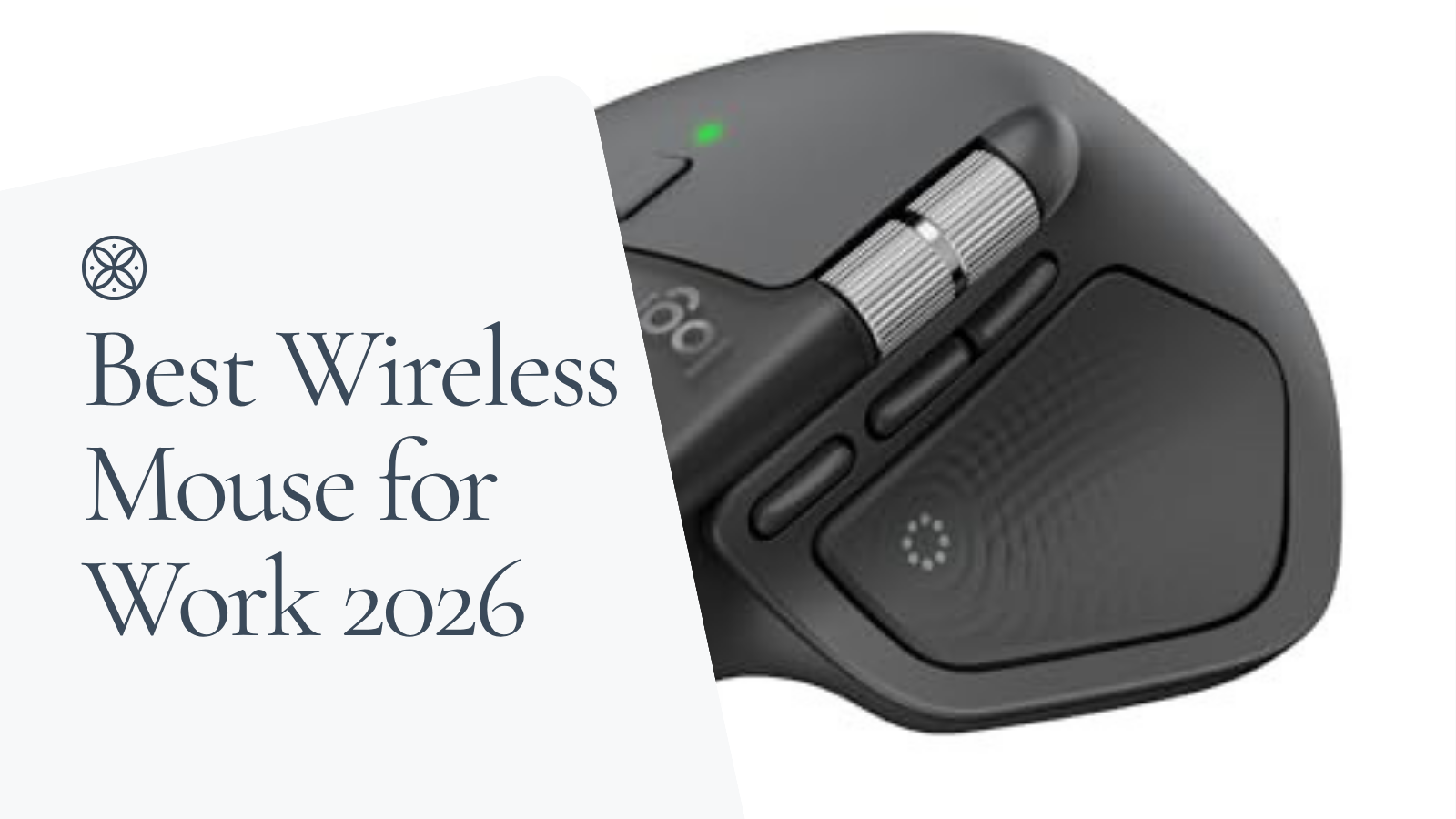
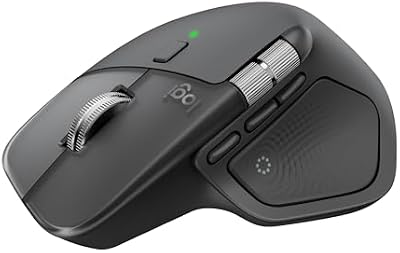
For long sessions, the right mouse is one your hand falls into without the wrist twisting. The Signature is small, quiet, and shockingly good at the price. The MX Master is the unit serious creatives buy and keep. Across all three tiers, when budget allows, this is the upgrade we recommend first.

If the Atlas had to recommend one upgrade under $100, it would be the mouse.

06 / 08Professional

The Light

How the desk reads at 6pm.

Light is the most under-spent line item in a home office and the one you notice every evening at 5pm when the room dims and the screen does not.

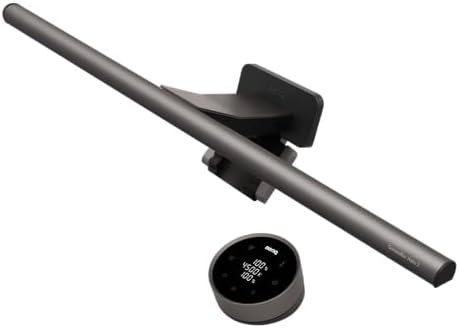
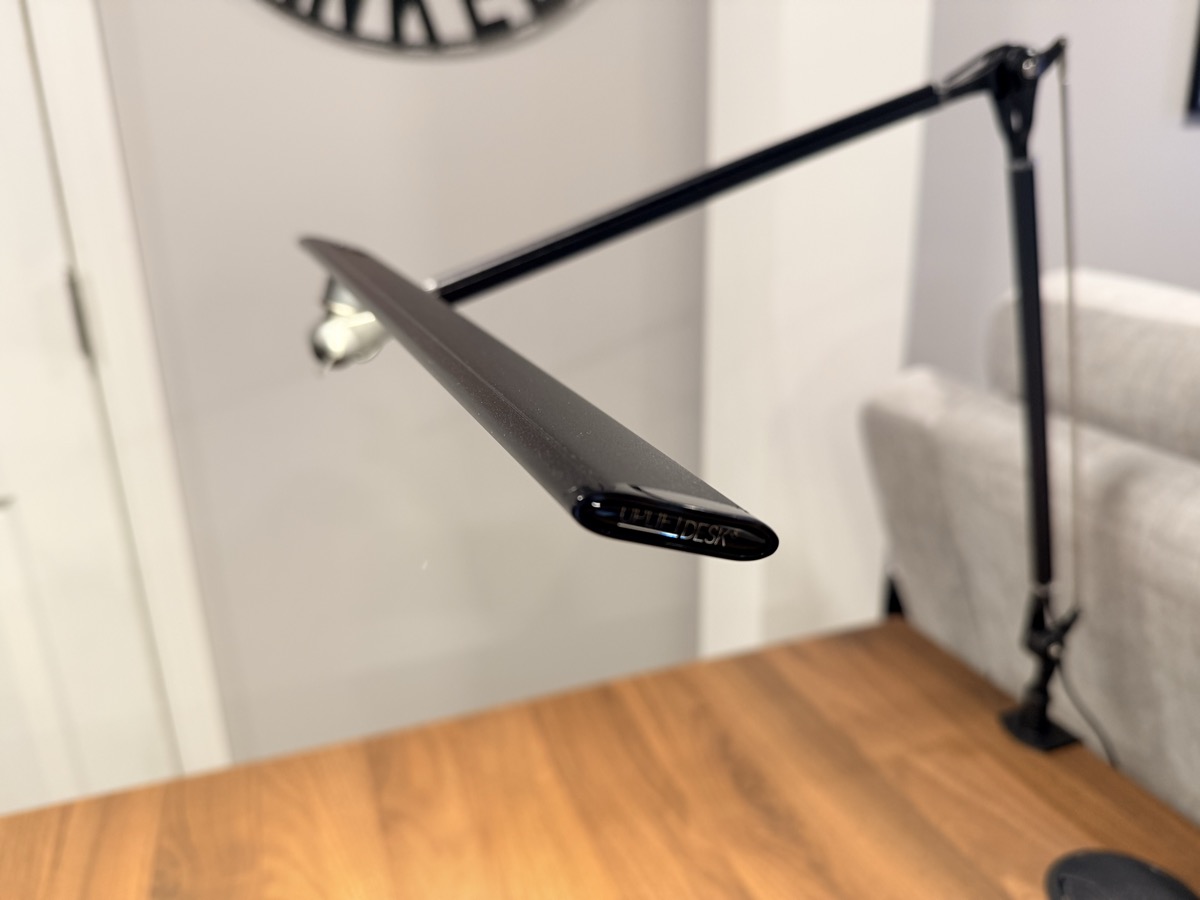
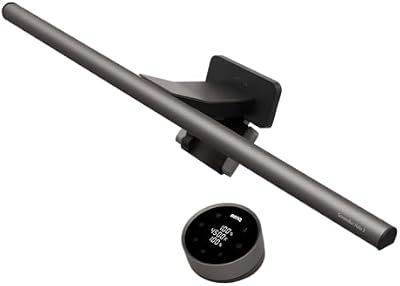
A monitor light bar throws light onto the desk surface, not into your eyes. A measurable improvement over a ceiling fixture or a desk lamp that doubles as glare. The Essentials bar is the cheapest version of the right idea. The Professional bar is the one most editors recommend. The Executive lamp is a separate task light for paper, sketching, and the occasional video call.

The light bar is the easiest sub-$100 upgrade you will be glad you made.

07 / 08Professional

The Mat

A finished surface.

A mat is what a desk surface becomes when you decide to take it seriously. It quiets the surface, defines the workspace, and stops your wrists from learning the texture of veneer.

Pick the size first. A desk mat that fits keyboard and mouse with room around both reads as a finished surface. The Essentials pick is foam-backed PU at a friendly price. The Professional and Executive picks step up to top-grain leather, which patinas instead of peeling.

A leather mat is the closest a desk gets to looking finished.

08 / 08Professional

The Anchor

The piece that ties it together.

Every working setup has one piece that ties the others together. The build is incomplete without it, and the part you forgot to budget for is usually the one that decides whether the rest of the build feels finished.

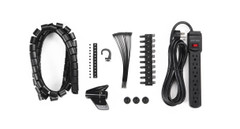
For Essentials, that piece is honest cable management: a strip of clips that turns a power-strip nest into a clean run. For Professional and Executive, it is a docking station, one cable to the laptop, every monitor, every input, and the keyboard already plugged in. The dock is the upgrade no review article ever sells you on, and the one you will not unplug for years.

The piece you forgot is the one that decides whether the rest feels finished.

The Thesis

A working desk is a system, not a shopping list.

Most buying guides recommend a single product. The Atlas recommends a system. A chair that fits the desk that fits the arm that fits the screen. Change one variable and the rest shifts. Which is why the page is built around the eight pieces a working desk actually needs, and why each setup is presented as a complete, internally consistent build, not a list of upgrades.

The three setups exist because the answer to "what should I buy?" depends on what you have already. Essentials is the build we recommend to a friend setting up their first home office. Professional is the build we use ourselves. Executive is the build we point people at when they have lived with a setup long enough to know which compromises they no longer want to make.

Every figure on this page comes from one of two affiliate APIs and refreshes nightly. If a price is wrong, it is wrong because the API said so, never because the page is stale. That is the point.

The Index

Every pick, side by side.

Live · 24 picks
ComponentEssentialsProfessionalExecutive
01
The Desk
FlexiSpot EN1 Bamboo Standing Desk 48x24"
$250-300
UPLIFT V3 Standing Desk
$599-$939
UPLIFT V3 Standing Desk
$599-$939
02
The Chair
COLAMY Atlas Ergonomic Mesh Office Chair
$150-$200
Sihoo Doro C300 Ergonomic Chair
$300-400
UPLIFT Clarksville Ergonomic Chair
$359
03
The Monitor Arm
North Bayou F80 Monitor Arm
unavailable
Ergotron LX Single Monitor Arm
$150-200
Ergotron LX Dual Side-by-Side Monitor Arm
$450-520
04
The Keyboard
Logitech Wave Keys Ergonomic Keyboard
$50-$60
Kinesis Freestyle2 Adjustable Split Keyboard for PC & MAC
$89
Kinesis Advantage2 Contoured USB Keyboard for PC and Mac
$319
05
The Mouse
Logitech Signature M650 Wireless Mouse
$30-$40
Logitech MX Master 4 Wireless Mouse
$120-$130
Logitech MX Master 4 Wireless Mouse
$120-$130
06
The Light
Xiaomi Mi Computer Monitor Light Bar
$50-$65
BenQ ScreenBar Halo 2 Monitor Light Bar
$179-$199
UPLIFT E7 LED Desk Lamp with Clamp
$89
07
The Mat
Aothia Leather Office Desk Pad, 31.5 x 15.7 inches
$10-$18
Londo Top Grain Leather Extended Mouse Pad
$40-$50
Londo Top Grain Leather Extended Mouse Pad
$40-$50
08
The Anchor
OHill 16-Pack Adhesive Cable Clips (Multi-Size)
$7-$10
Anker Prime 14-Port Docking Station
$160-190
Anker Prime 14-Port Docking Station
$160-190
Calibration

How this page stays honest.

Pricing
Live prices, refreshed daily.
Sources
24 products across 8 categories. Every figure is independently verified against the manufacturer.
Editorial principle
Picks are chosen for the working desk first and the spec sheet second.