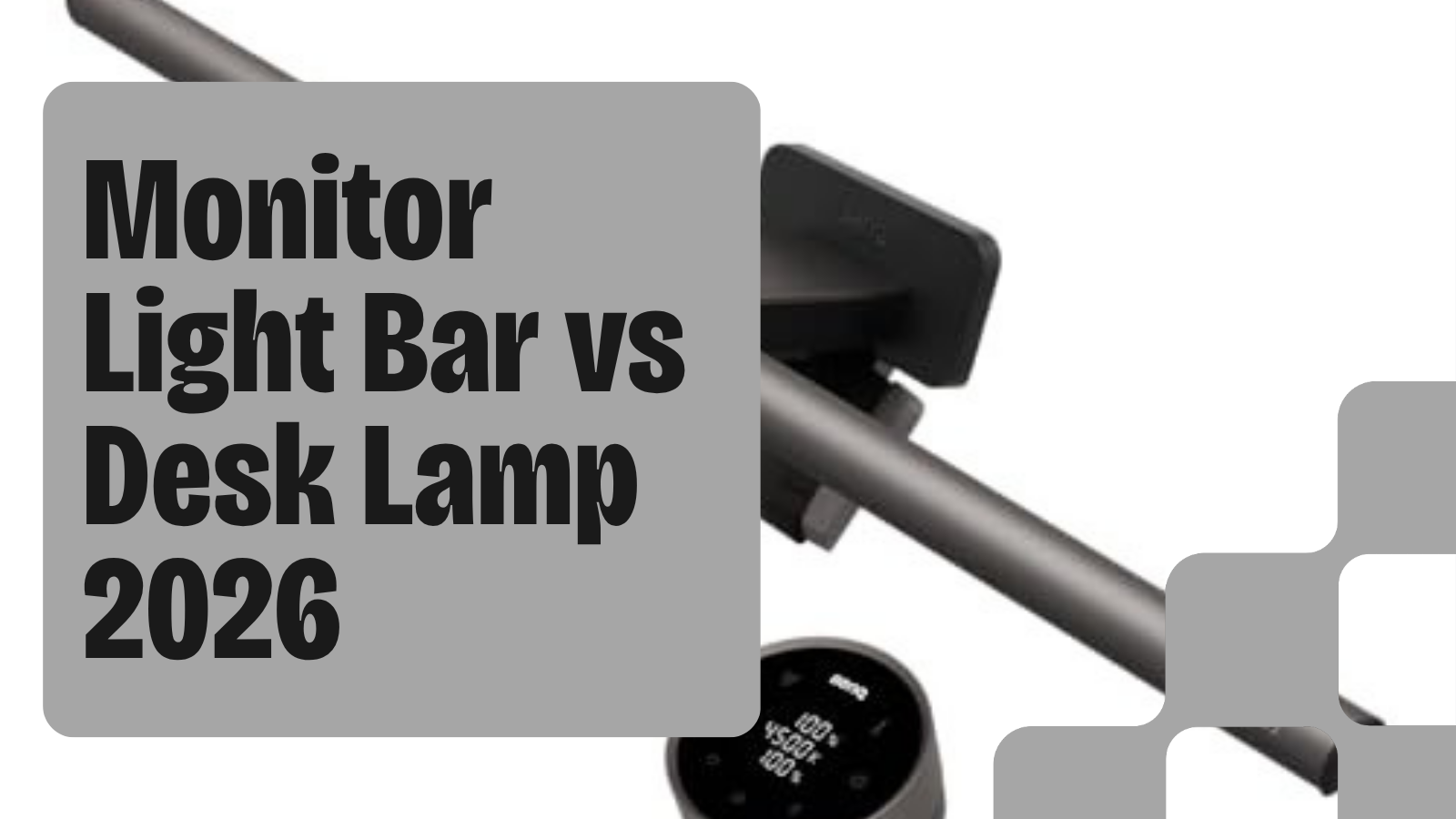
The moment you put a second light on your desk, the question usually becomes: does this thing help you see better, or just look good? Monitor light bars and desk lamps solve different problems, and most desk setups need to answer only one of them.
A monitor light bar clips onto the top of your screen, points light down at your keyboard and desk surface, and blocks reflected glare from the display itself. A desk lamp points at whatever you aim it at: a notebook, a book, your keyboard, your face on a video call. Neither replaces overhead room lighting. Both are tools for reducing eye strain from the dark contrast between your bright screen and an unlit desk.
Pick the wrong type and you either overpay for a feature you'll never use or under-illuminate a workspace where you're reading paper documents all day.
Bottom line
Best monitor light bar overall: The BenQ ScreenBar Halo 2 ($179-$199) adds rear bias glow to reduce monitor halo contrast, with USB-C pass-through and auto-dimming.
Best monitor light bar value: The BenQ ScreenBar Plus ($135-160) with a desktop dial controller for quick brightness and color temperature changes.
Best desk lamp overall: The BenQ Genie e-Reading Desk Lamp (unavailable) with a wide-angle head, high CRI rating, and flicker-free output for reading and paper-based work.
Best desk lamp for UPLIFT setups: The UPLIFT E7 LED Desk Lamp ($89) for a clamp-mounted task light that pairs with UPLIFT desks under the same warranty ecosystem.
Quick Comparison
| Monitor Light Bar | Desk Lamp | |
|---|---|---|
| Glare on screen | Eliminated by design | Possible if aimed incorrectly |
| Light coverage | Keyboard and desk surface | Adjustable, wider spread |
| Paper reading | Adequate | Better |
| Video calls | Not designed for face lighting | Works as face fill |
| Desk space used | Zero (clips to monitor) | Clamp or base footprint |
Choose a Monitor Light Bar if
You spend most of your time in front of screens. A light bar clip-on sits above the display, shines down at your keyboard and notes, and the optical design physically prevents glare from bouncing back into the panel. That last point is the main reason programmers and writers prefer them: you get illumination without any reflection washing out dark text on your display.
Light bars also win on desk space. The clip mechanism means zero footprint on the surface. If you're already cramped with a monitor arm, keyboard, and mouse, that matters.
The two main types are standard bars (just downward light, no rear glow) and halo models (front light plus rear bias glow that reduces contrast between the screen edge and the wall behind it). Halo models cost more but significantly reduce eye fatigue in dark environments.
Choose a Desk Lamp if
You regularly work with paper, books, or physical documents. A desk lamp's adjustable head lets you point light exactly where you need it. For reading a printed spec sheet or marking up a physical draft, a desk lamp delivers more flexibility than a fixed-position light bar.
Desk lamps also matter if you're on video calls. A light bar does nothing for your face lighting. A desk lamp positioned slightly off-camera serves as key light for any camera-based communication. If you present on Zoom or Google Meet regularly, a desk lamp is more useful than a light bar.
BenQ ScreenBar Halo 2: Best Monitor Light Bar Overall
The Halo 2 does two things the standard ScreenBar does not: it adds a rear diffuse panel that glows against the wall behind your monitor to reduce the halo contrast, and it ships with a USB-C output port so you can charge a device without losing a hub port. The front lamp covers 50cm of desk surface in front of the display, with a color temperature range of 2700K to 6500K and 1000 lux maximum output (measured by BenQ at 45cm, per BenQ product page, observed 2026-05-25).
The auto-dimming sensor reads ambient light and adjusts output automatically. Manual adjustment is a single touch dial on the clip unit.
Tradeoff: the Halo 2 costs more than two of the next-tier models. If you work in a well-lit room and don't sit in the dark, the rear glow adds little. In that case the Plus is the smarter buy.
Price: $179-$199
BenQ ScreenBar Plus: Best Value Light Bar
The Plus ships with a standalone desktop dial controller that handles all brightness and color temperature adjustments without touching the clip unit. That detail makes a real difference when you want to quickly warm or cool the light during a meeting without interrupting what you're doing.
Output spec: 1000 lux at 45cm, 2700K to 6500K, flicker-free (BenQ product page, observed 2026-05-25). No rear glow. If your monitor sits against a light wall or you work in a well-lit office, you won't miss it.
Price: $135-160
BenQ ScreenBar Pro: Wide Beam with Motion Sensor
The ScreenBar Pro adds a wider beam angle versus the standard ScreenBar, a built-in motion sensor that turns the light on when you sit down and off when you leave, and a USB-A port for device charging. It sits between the Plus (dial controller, no rear glow) and the Halo 2 (rear glow, USB-C). For a single-monitor setup where rear glow isn't worth the premium, the Pro is a strong middle-tier pick.
Per BenQ's product listing (observed 2026-05-25): motion sensor range of 3 to 4 meters, auto-dimming included.
Price: $130-155
Quntis Monitor Light Bar: Best Budget Light Bar
The Quntis covers the basics at a lower price than the BenQ family: downward-only illumination, touch controls on the clip unit, and a USB-A power input. Color temperature runs 2700K to 6500K and the light is flicker-free at all dimming levels (Quntis product page, observed 2026-05-25).
Build quality and the clip mechanism are noticeably less refined than BenQ's, but for a second monitor or a budget workspace, it delivers the core anti-glare benefit of the light bar category.
Price: $40-55
BenQ Genie e-Reading Desk Lamp: Best Desk Lamp
The Genie has a wide reading-focused head that BenQ specs at 1800 lux measured at 35cm (BenQ product page, observed 2026-05-25). The color temperature range runs 2700K to 6000K with a 95-plus CRI rating. CRI measures how accurately the light renders color versus natural daylight; above 90 is noticeable when reading printed documents or reviewing color-accurate design work.
The folding arm lets you point it at a notebook, a book, or your keyboard without readjusting a clamp. Built-in USB-A charging port. No flickering at any dimming level.
For document-heavy work, this beats every light bar at any price point. Light bars illuminate from the front and above your monitor. They don't reach a notebook pushed to the left or a printed page to your right.
Price: unavailable
UPLIFT E7 LED Desk Lamp: Best for UPLIFT Desk Owners
The E7 clamps onto the desk frame and fits into UPLIFT's cable management ecosystem, so you don't add a separate cable run when you already have UPLIFT's routing system in place. Color temperature range is 2700K to 6500K, dimmable, with a flexible gooseneck arm for positioning.
The practical reason to choose it: you're buying or already own an UPLIFT V3 or Parsons desk and you want one purchase, one cable run, one point of contact. It's not the highest-output lamp in this group, but for a task lamp used alongside a monitor light bar, which is a common and practical combo, the E7 handles supplemental room fill without competing with the ScreenBar.
Price: $89
Can You Use Both?
Yes. The most practical combination is a monitor light bar for glare-free screen work plus a desk lamp at low brightness for ambient fill or reading. The light bar handles your primary task light. The lamp handles everything the light bar can't reach.
Set the desk lamp to 2700K (warm) at 30 to 40 percent brightness as ambient. Keep the light bar at your working color temperature, typically 4500K to 5000K for focus work and 2700K to 3500K for evening sessions. The two sources complement rather than compete.
Buying Tips
Start with the light bar if you're primarily a screen-based worker. Add a desk lamp later if you notice you're reaching past the monitor to read physical documents under poor light. Buying both at once is fine, but most people find the light bar solves most of their eye strain on its own.
For ultrawide monitors wider than 34 inches, look for a curved light bar or the Halo 2. Straight bars don't cover the full width of large ultrawides, leaving the edges dimmer.
Check your monitor's top bezel thickness before ordering. Some ultra-thin monitors and laptop lids are too narrow for the standard clip mechanism. The product pages for each bar list minimum bezel requirements.
Frequently Asked Questions
Do monitor light bars work with curved monitors?
Most clip-on bars clip to the top bezel and aim straight down, which works on most curved screens. Very aggressive curves (1500R or tighter) can cause the bar to point slightly away from the desk surface. Check the specific bar's compatibility notes before ordering.
Will a monitor light bar cause glare on my screen?
No. The downward-angled optics and hood design physically prevent light from reflecting back into the display. This is the main advantage over a desk lamp positioned at the wrong angle.
Is a higher lux rating always better?
More lux means brighter. For a monitor light bar, 500 to 1000 lux at 45cm covers typical desk work. For a desk lamp where you're reading fine print, 1000-plus lux is comfortable. Above 2000 lux becomes harsh at close range. Always check the distance at which the manufacturer measured the lux rating.
Can I use a monitor light bar on a laptop screen?
Most laptop screens have lids too thin for the standard clip mechanism. A few bars offer rubber-padded wide clips. Verify compatibility with your specific laptop model before buying.