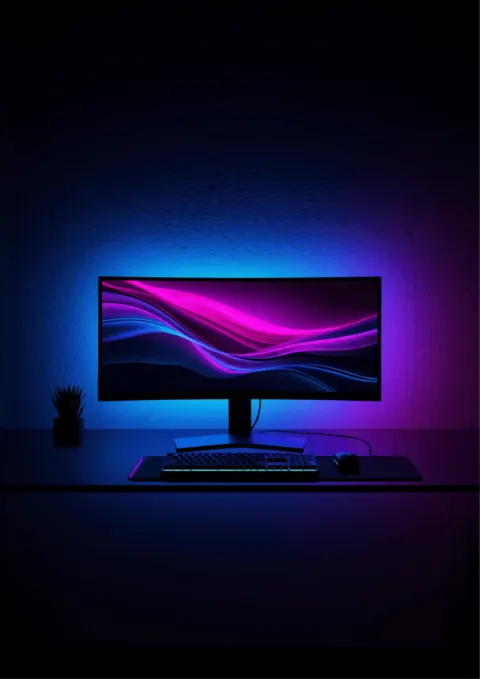
A behind-monitor strip is the cheapest desk glow upgrade that pays off the second you sit down, or a flickery rainbow brick that dies in a year. Fork is simple:
- Screen sync (camera reads the panel, wall matches the game) → premium tier
- Scenes / music / single color (no camera) → budget tier
Both are valid. Wrong pick is buying a camera kit for a dark wall that eats all the light.
Short fork:
- Most camera-sync desks → Govee Envisual T2 · $60-$80
- Apple Home / Matter / Chroma already → Nanoleaf 4D · $85-$110
- Full Razer Synapse desk → Razer Chroma strip · price varies
- Lighting meant to be seen on stream → Govee Gaming Light Bars · $200-$240
- Under ~$30, no camera → Govee 11.8ft RGBIC · $25-$35
Task lighting (bars vs lamps) is a different job: /guides/best-desk-lamps-home-office-eye-strain.
30-second fork
| Job | Pick | Why |
|---|---|---|
| Easiest camera sync | Govee T2 · $60-$80 | Dual camera, RGBIC, app + voice |
| Smart-home premium | Nanoleaf 4D · $85-$110 | HomeKit, Matter, Chroma; smoother gradient |
| Razer-only desk | Chroma strip · price varies | Synapse profiles with keys/mouse |
| Visible vertical aesthetic | Govee bars · $200-$240 | Bars sit behind the panel, not hidden tape |
| Cheap RGBIC scenes | 11.8ft Govee · $25-$35 | App/voice/scenes, no screen follow |
How camera sync works (20 seconds)
Tiny camera on the bezel samples edge colors dozens of times a second; the controller maps those zones to addressable LEDs behind the panel. Explosions go orange on the wall. Without a camera you're on scene modes only. Fine for mood, not "the room is the game."
Govee Envisual T2: Default camera sync
T2 · $60-$80. Dual cameras for wider panels, RGBIC multi-color along the strip, peel-and-stick + app, then Wi-Fi (2.4 GHz). ~11.8 ft covers many 32-49" ultrawides / mid TVs. Watch for thick stands or webcam arms blocking the camera; dark walls swallow glow.
Nanoleaf 4D: Ecosystem premium
Nanoleaf 4D · $85-$110. Single camera, smoother gradient strip, HomeKit / Matter / Alexa / Google / Chroma. Pay up if those stacks already run the house. Ultrawides may prefer dual-camera accuracy; curved panels may need a bracket; music sync is thinner out of the box.
Razer Chroma strip: One Synapse brain
Razer Chroma Light Strip · price varies. For desks already drowning in Synapse devices. Screen follow rides Chroma Studio, not a dedicated TV camera kit. Buy for ecosystem lock-in, not as a first ambient camera.
Govee Gaming Light Bars: Visible props
Smart Gaming Light Bars · $200-$240. Vertical bars meant to show on stream, not hide. Camera sync + RGBICWW. Skip if you wanted invisible bias light only.
Budget RGBIC: Scenes without a camera
11.8ft RGBIC Wi-Fi · $25-$35. App, voice, music/scenes, addressable colors, no pixel follow. Perfect "make the cave less cave" spend before committing to a camera kit.
Setup tips (sparse)
- Light-colored wall behind the panel helps; navy paint eats RGB.
- Keep the camera's view of the screen clear.
- Measure perimeter before you buy length.
- Bias light is not desk task light. You may still want a lamp or monitor bar.
Frequently asked questions
Camera sync worth it?
If you care that the wall matches the game, yes. If you just want purple cyberpunk vibes, budget RGBIC is enough.
Monitor or TV?
Same kits often cover both. Check strip length vs diagonal.
Curved monitors?
Usually OK; some camera mounts prefer flat edges. Check the kit.
Amazon links are affiliate links.