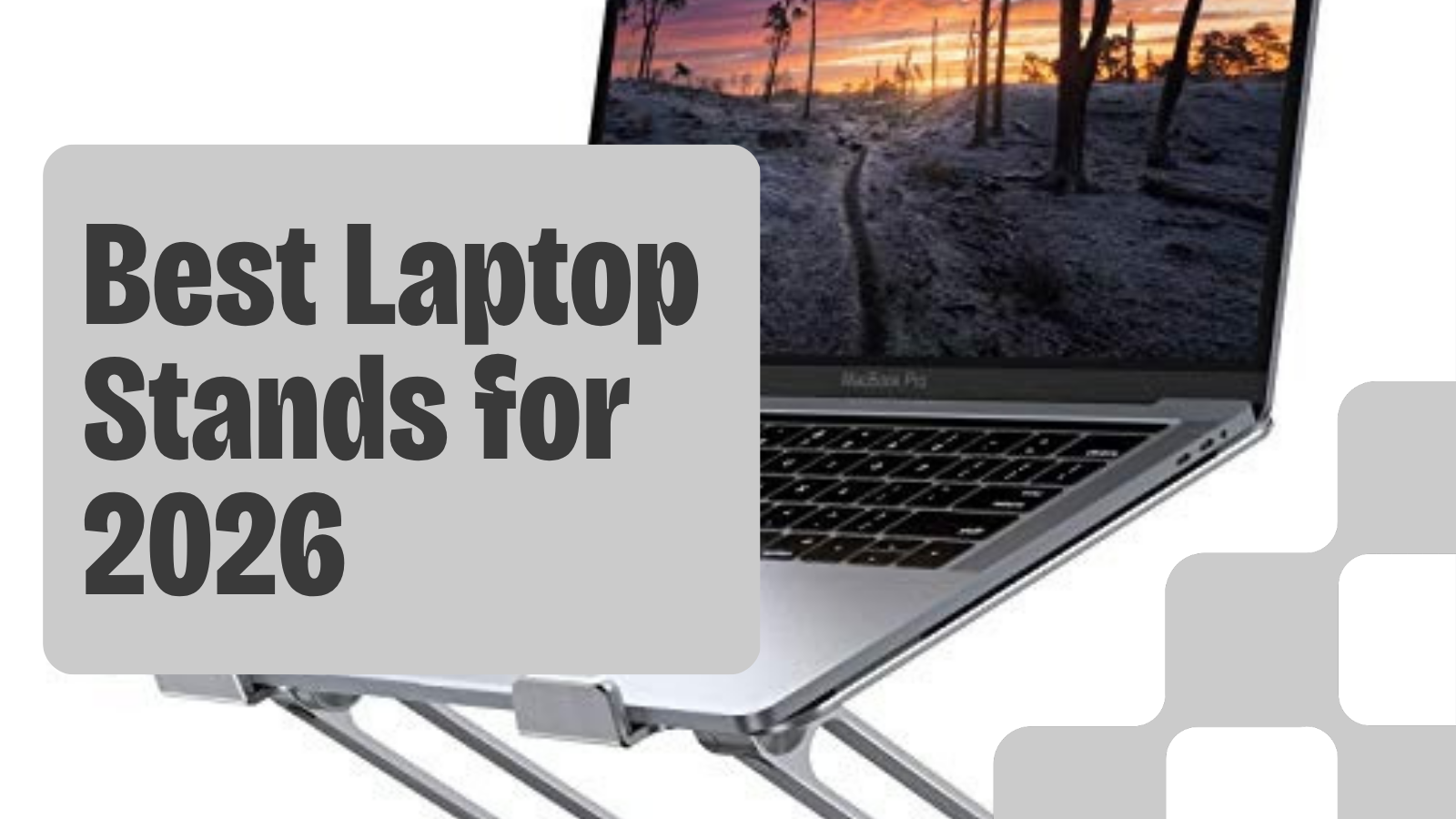
If you spend hours working on a laptop, you know the strain that builds in your neck and shoulders from looking down at a screen that sits too low. A laptop stand elevates your display to a more ergonomic viewing angle, reducing neck flexion over long work sessions. We compared four aluminum laptop stands across different price points and use cases, from ultra-portable travel stands to rotating models built for screen sharing.
Best overall: The Lamicall Adjustable Laptop Stand ($30-40) fits 10-17.3 inch laptops, elevates up to 10 inches, and folds to half an inch thick.
Best for screen sharing: The 360 Rotating Base Laptop Stand ($30-$45) swivels a full 360 degrees for collaborative work and shared desks.
Best desktop riser: The RIWUCT Foldable Laptop Stand ($25-$35) offers a sturdy lectern-style design with multiple height settings.
Budget travel pick: The SODI Ultra Compact Stand ($15-$25) weighs under half a pound and folds to pocket size.
Quick Comparison
| Stand | Price | Best For | Max Size | Weight | Portability |
|---|---|---|---|---|---|
| Lamicall | $30-40 | All-around | 17.3" | 1.5 lbs | Folds to 0.5" |
| 360 Rotating | $30-$45 | Screen sharing | 16" | Heavier | Foldable |
| RIWUCT | $25-$35 | Desktop riser | 16" | Medium | Foldable (bulky) |
| SODI | $15-$25 | Travel | 16" | 6.1 oz | Pocket-size |
Our Top Picks
Lamicall Adjustable Laptop Stand: Best Overall
The Lamicall Adjustable Laptop Stand targets a specific problem that affects millions of remote workers: "tech neck," the forward head posture caused by looking down at a laptop screen for extended periods. By raising the top of your laptop screen closer to eye level, a stand like the Lamicall can reduce neck strain over long work sessions.
Material: Aluminum alloy frame with a matte anodized finish. Unlike plastic stands that flex under load, the metal construction remains rigid even with heavier 17-inch laptops.
Compatibility: Fits laptops from 10 inches up to 17.3 inches. The open cradle design makes it effectively universal across MacBook, Dell, HP, Lenovo, Surface, ASUS, and Acer models.
Weight Capacity: Rated for up to 11 lbs. For reference, a 16-inch MacBook Pro weighs 4.7 lbs, so most mainstream laptops fall well within the limit.
Height Adjustment: The multi-angle hinge lets you set the elevation up to 10 inches at the highest point, with adjustable angle settings along the way.
Ventilation: The open-frame design leaves the bottom of your laptop fully exposed to air circulation. An elevated open stand improves airflow compared to placing the laptop flat on a desk.
Portability: The stand folds completely flat to just over half an inch thick and weighs about 1.5 lbs. It fits easily into a laptop bag or backpack sleeve.
Non-Slip Protection: Silicone pads are built into both the top cradle and the bottom feet. The top pads prevent the laptop from sliding at steep angles, while the bottom pads keep the stand stationary on wood, glass, and laminate surfaces.
Setup Time: Approximately 10 seconds. Unfold, set the angle, and place your laptop. No assembly, no tools, no calibration required.
Buying Tips
- Budget for peripherals if you don't already own them. When your laptop is elevated to eye level, the built-in keyboard and trackpad become impractical to use. A basic external keyboard and mouse combo runs $20-35, or pair it with a Logitech Wave Keys ($50-$60) and Logitech Signature M650 ($39.99) for an ergonomic input setup.
- Measure your desk depth before purchasing. The Lamicall stand adds roughly 8-10 inches of depth footprint depending on the angle. If your desk is shallower than 24 inches, you may find the stand plus an external keyboard leaves very little room.
- Check your laptop's weight against the 11 lb limit. Most consumer laptops fall well under this, but heavier gaming laptops (6-7 lbs) should be fine. Avoid stacking items on top.
- Consider your primary use case for angle selection. For video calls, a moderate elevation works best because it positions the webcam at a natural angle. For long writing or coding sessions, full elevation brings the screen higher and reduces neck flexion to near zero.
- Compare the aluminum model to plastic alternatives at the same price. Several $25-35 plastic stands exist, but they tend to flex under laptops heavier than 5 lbs and may slide on glossy desks. The Lamicall's aluminum construction and silicone grip pads address both complaints.
RIWUCT Foldable Laptop Stand: Best Desktop Riser
The RIWUCT Foldable Laptop Stand takes a lectern-style approach to laptop elevation. Instead of a flat cradle, it uses an angled platform with a front hook that holds the laptop at a steeper reading angle. This works well for desk setups where the stand stays in one place.
Material: Aluminum alloy with non-slip silicone pads on the platform and base
Compatibility: 10-16 inch laptops (slightly narrower range than the Lamicall's 17.3 inch max)
Height Adjustment: Multiple angle settings from roughly 15 to 40 degrees
Ventilation: Open panel design with cutouts for airflow beneath the laptop
Portability: Foldable, though bulkier than the Lamicall when collapsed
The RIWUCT is a solid pick if your laptop lives on one desk and you want a stable, adjustable platform. The front hook keeps the laptop secure at steep angles where a flat cradle might let it slide. The 16-inch max size covers most work laptops but rules out some larger 17-inch gaming models.
Buying Tips
- Best suited for permanent desk setups rather than travel
- The steeper angle settings work well for reading and reference tasks
- Pair with an external keyboard, especially at higher angles where the built-in keyboard becomes hard to reach
360 Rotating Base Laptop Stand: Best for Screen Sharing
The 360 Rotating Base Laptop Stand adds a feature none of the others have: a 360-degree rotating base. Set your laptop on top, and you can swivel the screen to face a coworker, a client across the desk, or rotate between portrait and landscape reference positions throughout the day.
Material: Aluminum alloy construction with smooth-edge finish
Compatibility: Fits laptops up to 16 inches
Rotation: Full 360-degree swivel on a stable metal base
Weight Capacity: Up to 22 lbs (10 kg)
Portability: Fully foldable, though the rotating base adds some weight compared to non-rotating stands
Height Adjustment: Multi-angle settings for ergonomic positioning
The rotating base is the reason to buy this over the Lamicall. If you pair-program, share your screen in meetings, or work at a hot desk where you face different directions, the swivel eliminates the awkward pick-up-and-reposition routine. The 22 lb capacity also makes it the sturdiest stand in this guide.
Buying Tips
- Ideal for open offices, coworking spaces, and collaborative environments
- The rotation is smooth enough to swivel one-handed without disturbing the laptop
- Heavier than non-rotating alternatives, so less ideal as a travel stand
SODI Ultra Compact Foldable Laptop Stand: Budget Travel Pick
The SODI Ultra Compact Stand is the smallest and lightest stand in this guide. At under half a pound (about 6 oz), it practically disappears into a laptop bag. The spring-loaded arms snap into six preset height positions, so setup takes about two seconds.
Material: Aluminum alloy with silicone non-slip pads
Compatibility: 10-16 inch laptops and tablets
Weight: 6.1 oz (173g)
Height Adjustment: 6 levels, angle range of 15 to 30 degrees
Weight Capacity: 11 lbs (5 kg)
Folded Size: Roughly 5 x 1.7 inches
The trade-off for that portability is a smaller contact area with your laptop. It supports the rear edge only, which works fine for most laptops under 15 inches but can feel less stable with larger 16-inch models. At $15-$25, it's the cheapest option here and a solid choice for anyone who works from coffee shops, libraries, or hotel rooms.
Buying Tips
- The 6 oz weight makes this lighter than most phone chargers
- Best paired with laptops under 15 inches for maximum stability
- The 30-degree max angle is lower than the Lamicall or RIWUCT, but enough for basic ergonomic improvement
- At this price, it makes sense to keep one in your bag permanently
Which Stand Is Right for You
The Lamicall is the best all-around pick for most people. Good range, good build, good portability. The RIWUCT works best as a permanent desk riser with its steeper angles and sturdy lectern design. The 360 Rotating Stand is the pick for collaborative environments where you regularly share your screen. And the SODI is for travelers who want the lightest possible stand that still makes a real ergonomic difference.
None of these stands include USB hubs, docking features, or active cooling fans. If you need those features, expect to spend $50-70 and add weight that reduces portability.
How a Laptop Stand Fits Into an Ergonomic Workspace
A laptop stand is one component of a complete ergonomic desk setup. For maximum benefit, pair it with these complementary adjustments:
Monitor height: The top of your screen should sit at or slightly below eye level. With the Lamicall at full elevation on a standard 30-inch desk, most users between 5'4" and 6'2" will find the screen top lands in the correct zone.
Chair height: Your feet should be flat on the floor with thighs parallel to the ground. If raising your chair to match a new screen height lifts your feet, a footrest ($15-25) solves the problem.
If you can't get that seated height without losing lumbar contact, compare budget ergonomic chair picks before adding more accessories around a poor chair fit.
Keyboard and mouse placement: With the laptop elevated, your external keyboard should sit at elbow height so your forearms are roughly parallel to the floor. The Logitech Wave Keys and a quality wireless mouse complete the input setup.
Screen distance: Position the stand so the laptop screen sits 20-26 inches from your eyes.
Desk surface: A desk mat protects your surface and provides consistent mouse tracking beneath your elevated laptop.
For a complete workstation setup, pair your laptop stand with a height-adjustable desk. The UPLIFT V3 Standing Desk lets you alternate between sitting and standing throughout the day, and its 50+ desktop materials and UPLIFT Desk 15-year warranty make it a solid long-term foundation.
Frequently Asked Questions
Does the Lamicall Adjustable Laptop Stand work with all MacBook models?
Yes. It fits every MacBook model currently in production, including the MacBook Air 13-inch (2.7 lbs), MacBook Air 15-inch (3.3 lbs), MacBook Pro 14-inch (3.4 lbs), and MacBook Pro 16-inch (4.7 lbs). The open cradle design accommodates any laptop between 10 and 17.3 inches.
Will my laptop overheat on this stand?
The open-frame design actually improves cooling compared to placing your laptop flat on a desk. The Lamicall elevates the laptop and leaves the entire bottom exposed to airflow, which helps during sustained workloads.
Can I use the stand with a laptop case or skin on?
Yes. The cradle has a generous lip and the silicone pads grip cases and skins just as well as bare shells. Cases up to 2-3mm thick won't affect stability.
Is 22 lbs of weight capacity enough for gaming laptops?
More than enough. The heaviest mainstream gaming laptops weigh about 6-7 lbs, well under a third of the rated capacity.
Does the stand wobble when typing on the laptop keyboard?
At lower elevation angles (2-3 inches), the stand is stable enough for light typing directly on the laptop keyboard. At higher angles (5-6 inches), any pressure on the keyboard will cause noticeable movement. For sustained typing at full elevation, an external keyboard is strongly recommended.
How does this compare to a monitor arm with a laptop tray?
A monitor arm with a laptop tray ($40-80 for arm plus $15-25 for tray) offers more precise positioning and frees up desk space entirely. However, the total cost is 2-3 times higher, installation requires clamping to the desk, and the setup isn't portable. The Lamicall is the better choice for portability and simplicity. For monitor arm options, see our Best Monitor Arms for Desk Space guide.
Can I adjust the angle while the laptop is on the stand?
Yes. The hinge mechanism allows you to change the angle with one hand while the laptop is seated in the cradle. The silicone pads keep the laptop from sliding during adjustment.
All recommendations are based on specification analysis, expert reviews, and owner feedback, not personal testing.
Related Guides
- Best Monitor Arms for Desk Space: Free up desk space and position your screen at the right height
- Best Ergonomic Keyboards for Home Office: Essential when your laptop is elevated
- Best Wireless Mouse for Productivity: Complete your input setup
- Best Desk Mats for Home Office: Protect your desk surface under your stand
- Best Standing Desks Under $700: Pair your stand with a height-adjustable desk
- Best Ergonomic Desk Setup: Complete Guide: Full workstation walkthrough
- Complete Home Office Setup Under $500: Lamicall included in the budget build