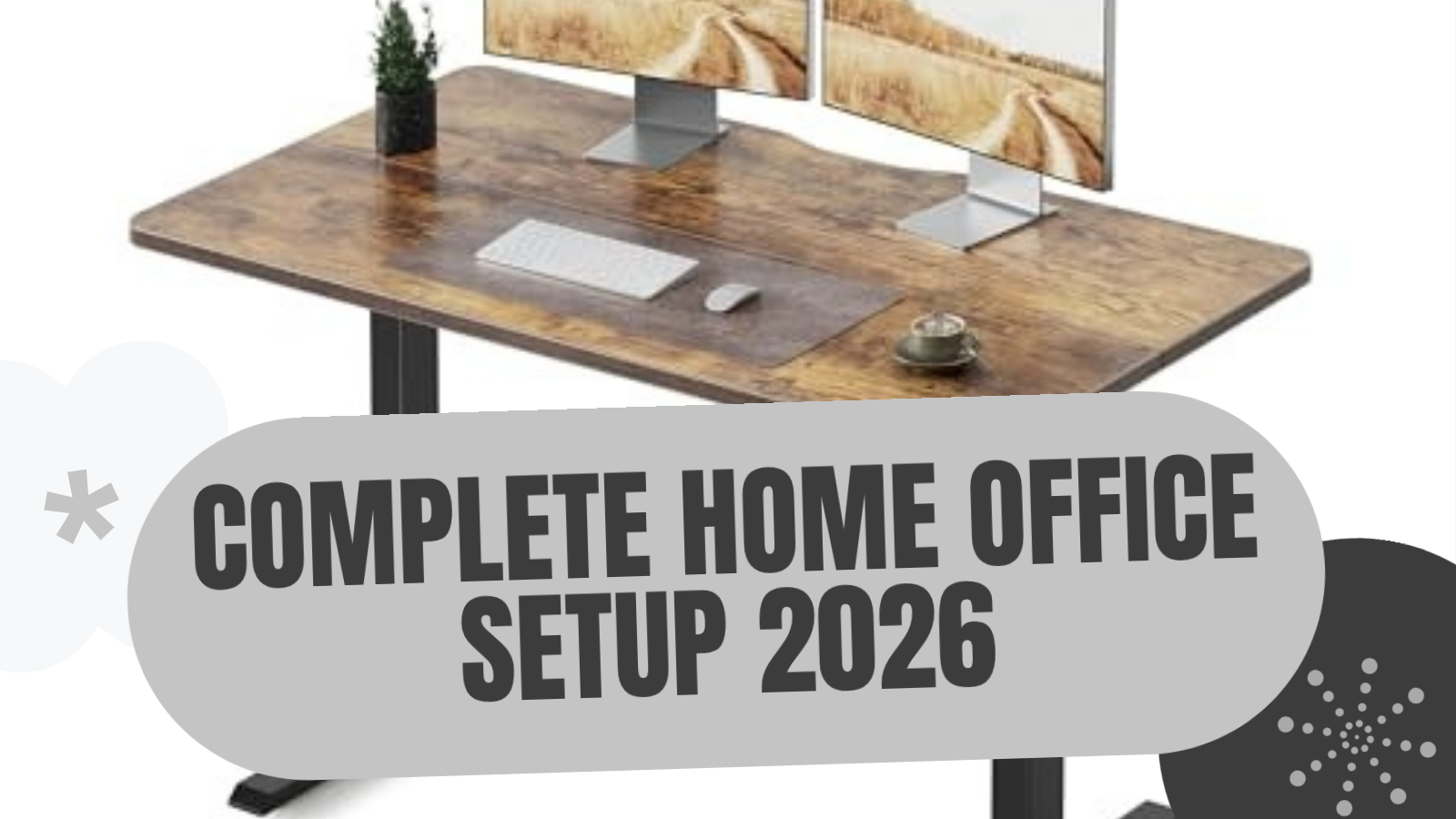
Building a functional home office from scratch doesn't require a $1,000+ budget. The five products in this guide form a complete ergonomic workstation for approximately $372-$528 depending on configuration and current pricing. Every item was selected based on research into specifications, owner reviews, and how the components work together as a system rather than individual purchases.
The Build ($372-$528 typical)
Desk: Fezibo Electric Standing Desk ($169-$250) with motorized height adjustment and 3 memory presets
Chair: COLAMY Ergonomic Mesh Office Chair (price varies) with adjustable lumbar, mesh back, and built-in footrest
Monitor Arm: Amazon Basics Gas Spring ($20-28) supporting up to 25 lbs
Desk Mat: YSAGi Leather Desk Pad ($8-15) waterproof PU leather with non-slip backing
Laptop Stand: Lamicall Adjustable ($25-35) aluminum, fits 10-17.3" laptops
At typical prices the total is around $434, leaving room in a $500 budget for a keyboard and mouse combo. For a step up, see our Complete Home Office Setup Under $1,000 guide, which includes an UPLIFT Desk premium build.
Who This Setup Is For
This guide is designed for three types of buyers. First, anyone setting up their first dedicated home office who needs to furnish an empty room or desk area without overspending. Second, remote workers with a company WFH stipend in the $400-500 range who want to maximize every dollar. Third, budget-conscious buyers who understand that cheap furniture causes back pain and want to avoid that trap without breaking the bank.
The products below aren't the absolute cheapest in their categories. They're the cheapest options that don't compromise on the ergonomic fundamentals that matter for 8-hour workdays. There's a real difference between "inexpensive" and "cheap," and every item in this guide falls firmly in the first category.
The Complete Budget Setup at a Glance
| Component | Product | Price Range | Key Spec |
|---|---|---|---|
| Desk | Fezibo Electric Standing Desk | $169-$250 | Electric height adjustment, 48" desktop |
| Chair | COLAMY Ergonomic Mesh Office Chair | price varies | Mesh back, adjustable lumbar, built-in footrest |
| Monitor Arm | Amazon Basics Gas Spring Monitor Arm | $20-28 | Supports up to 25 lbs, gas spring |
| Desk Mat | YSAGi Leather Office Desk Pad | $8-15 | PU leather, waterproof, non-slip |
| Laptop Stand | Lamicall Adjustable Laptop Stand | $25-35 | Aluminum, fits 10-17.3" laptops |
| Total | $372-528 |
Which Pieces to Prioritize
Most people don't buy all five at once. Here's how to adapt the build to your situation:
| Your Situation | Buy First | Why |
|---|---|---|
| Tightest budget, can't do all 5 | Chair + monitor arm | A bad chair hurts within hours; the arm fixes neck strain. Improvise the rest for now. |
| Already have a desk | Skip the Fezibo, upgrade the chair | Redirect the ~$200 desk budget toward a better chair |
| Desktop PC, no laptop | Skip the laptop stand | Frees ~$30 for a keyboard and mouse |
| Building over time | Chair → desk → monitor arm → laptop stand → mat | Foundation-first: you feel the chair and desk every minute |
| Hard floor, no carpet | Add a chair mat (~$30) | This build assumes carpet; hard floors need caster protection |
Desk: Fezibo Electric Standing Desk ($169-250)
The desk is the foundation of any office setup, and the Fezibo Electric Standing Desk delivers the one feature that matters most at this price point: motorized height adjustment. Owner reviews report the single motor transitions smoothly between sitting and standing heights, and the 3 memory presets eliminate the friction that causes most people to stop using their standing desk within a few months.
Desktop Size: Available in 48", 55", and 63" widths. The 48-inch model fits most home office spaces and keeps the total cost at the low end of the range.
Motor System: Single motor with 3 programmable memory presets. The transition speed is slower than dual-motor desks like the FlexiSpot E7 Pro, but reviewers consistently note that the difference is a few extra seconds per transition rather than a real usability issue.
Weight Capacity: Supports a full workstation setup including monitor, laptop, and peripherals without strain.
Built-in Features: Includes a cable management tray underneath the desktop, a headphone hook on the side, and storage shelf options depending on the configuration. These built-in accessories save $15-25 compared to buying them separately.
Assembly: Owners report 30-45 minutes for solo assembly with the included hardware and instructions.
The Fezibo isn't competing with $500-700 standing desks on build quality or motor performance. What it does is deliver the core functionality of an electric standing desk at a price that makes sit-stand work accessible to budget-conscious buyers. Based on thousands of owner reviews, the desk handles daily home office demands reliably.
For more standing desk options and detailed comparisons, see our Best Standing Desks Under $700 guide. If a real bamboo surface is more important than maximizing motor performance, the research-backed FlexiSpot EN1 Bamboo review covers another budget path.
Buying Tips
- The 48" width is the ideal size for budget builds since it fits a monitor, laptop stand, and keyboard comfortably while keeping the price under $200
- Watch for Amazon sales events where the Fezibo regularly drops to the $169-185 range for the 48" model
- The built-in cable management tray is a real advantage over competitors at this price since most sub-$250 desks require you to buy cable management separately
- If you plan to use a dual-monitor setup, step up to the 55" width for adequate surface area
Chair: COLAMY Ergonomic Mesh Office Chair with Footrest ($150-200)
The chair is where most budget setups fail. A $50 task chair from a big-box store will cause lower back pain within weeks of full-time use. The COLAMY Ergonomic Mesh Office Chair solves this by including features typically found on chairs costing $300 or more, including adjustable lumbar support, a breathable mesh back, and a built-in retractable footrest.
Mesh Construction: The breathable mesh backrest keeps you cool during long sessions. Owner feedback indicates the mesh maintains its tension well over months of daily use without the sagging that affects cheaper mesh chairs.
Lumbar Support: Adjustable lumbar support that can be positioned to match your lower back curve. This isn't a fixed foam pad. It adjusts to provide targeted pressure where your spine needs it most.
Footrest: A retractable footrest pulls out from beneath the seat for reclined lounging or afternoon breaks. This is a comfort feature worth noting that most chairs in this price range don't include.
Armrests: Padded armrests that flip up when you need to slide the chair under the desk or sit closer for detailed work.
Weight Capacity: Supports up to 300 lbs with a Class 4 gas cylinder for reliable height adjustment.
Recline: Multi-position tilt lock with adjustable tension so you can recline for reading or lock upright for focused work.
The COLAMY trades warranty length and premium materials for aggressive pricing. Reviewers consistently note that it delivers most of the comfort and adjustability of a $350-400 chair at half the price. For a first home office setup or a budget build, that trade-off makes sense.
For more ergonomic chair options, see our Best Ergonomic Chairs Under $400 guide.
Buying Tips
- Give the mesh 1-2 weeks to break in before judging comfort since new mesh chairs feel firmer than they will after 30-40 hours of use
- Set the lumbar support to its middle position initially and adjust from there based on your back shape and sitting habits
- The retractable footrest works best for short rest breaks rather than extended reclining sessions since it's narrower than a standalone footrest
- If you're between 5'3" and 6'1", the seat height range should accommodate your ergonomic needs without a separate footrest for typing posture
Monitor Arm: Amazon Basics Gas Spring Single Monitor Arm ($20-28)
A monitor arm isn't a luxury item in a desk setup. It's a necessity. It frees up the entire footprint that a monitor stand occupies, reclaims 6-8 inches of desk depth, and lets you position your screen at the correct height for your eye level rather than whatever height the manufacturer's stand dictates.
Spring Type: Gas spring mechanism for smooth, adjustable positioning. While gas springs don't match the longevity of mechanical springs like the Ergotron LX, they provide consistent performance for several years of normal use based on owner reports.
Weight Capacity: Supports monitors up to 25 lbs, which covers virtually all monitors up to 32 inches.
VESA Compatibility: Standard 75x75mm and 100x100mm VESA patterns, fitting the vast majority of monitors on the market.
Mount Type: Desk clamp that fits standard desk thicknesses. Installation takes roughly 10-15 minutes with no special tools required.
Articulation: Full range of motion including tilt, swivel, rotation, and height adjustment. The arm extends, retracts, and swings side to side for flexible positioning.
At $20-28, the Amazon Basics monitor arm costs a fraction of what the Ergotron LX commands. The trade-off is a shorter warranty and a gas spring that will eventually lose pressure after 3-5 years. For a budget build, that math works. You could buy this arm, use it for four years, replace it entirely, and still spend less than a single Ergotron LX.
For premium monitor arm options and detailed comparisons, see our Best Monitor Arms for Desk Space guide.
Buying Tips
- Weigh your monitor before ordering to ensure it falls within the supported range since monitors under 5 lbs may not hold position with a gas spring arm
- Set up the arm before mounting your monitor so you can test the full range of motion and tighten joints as needed
- Route your monitor cable through the arm's cable management clips during initial setup rather than after since threading cables post-installation is much more difficult
- Position the clamp 6-8 inches from the back edge of your desk to maximize the arm's vertical range
Desk Mat: YSAGi Leather Office Desk Pad ($8-15)
A desk mat protects your desk surface from scratches, provides a smooth mouse tracking area, and gives your workspace a clean, unified look. The YSAGi Leather Office Desk Pad delivers all three functions at a price point that barely registers in your budget.
Material: PU leather with a waterproof surface. Coffee spills, condensation rings, and water splashes wipe clean with a damp cloth.
Size: Available in multiple sizes to match your desk width. The standard size covers the primary working area where your keyboard and mouse sit.
Thickness: Approximately 2mm, providing desk protection without raising your wrists uncomfortably above the desk surface.
Non-Slip Backing: Suede-like base that grips wood, laminate, and painted desk surfaces without adhesive. Owner reviews report the mat stays in place during normal typing and mouse use.
Dual-Sided Design: Two colors, one on each side. When the top shows wear after months of daily use, flip it over for a fresh surface, effectively doubling the usable lifespan.
At $8-15, the YSAGi desk pad is the least expensive component in this build, but its impact on the daily experience is disproportionately large. A bare desk collects scratches from the monitor arm clamp, shows every coffee ring, and provides inconsistent mouse tracking. The desk mat solves all three problems for the price of a lunch.
For more desk mat options including wool felt and premium leather alternatives, see our Best Desk Mats for Home Office guide.
Buying Tips
- Size the mat to cover at least your keyboard and mouse area since a mat that's too small defeats the purpose of unified mouse tracking
- The PU leather surface works well with optical and laser mice at standard DPI settings (800-3200 DPI)
- If you plan to use a separate mouse pad, you can opt for the smallest available size to save a few dollars
Laptop Stand: Lamicall Adjustable Laptop Stand ($25-35)
If you use a laptop as your primary computer, a stand isn't optional for an ergonomic setup. Looking down at a laptop screen that sits 4-6 inches below eye level causes neck flexion that leads to chronic tension, headaches, and upper back pain over weeks and months. The Lamicall Adjustable Laptop Stand raises your screen to a healthier viewing angle.
Material: Aluminum alloy with a matte anodized finish. The metal construction doesn't flex under load, unlike plastic alternatives at the same price point.
Compatibility: Fits laptops from 10 to 17.3 inches, covering MacBook, Dell, HP, Lenovo, and virtually every other brand.
Height Adjustment: Multi-angle hinge with elevation up to 10 inches. For detailed specifications and ergonomic positioning guidance, see our full Best Laptop Stands for Ergonomic Setup guide.
Weight Capacity: 11 lbs, which accommodates most mainstream laptops comfortably.
Ventilation: Open-frame design exposes the laptop's bottom panel to airflow, helping reduce chassis temperatures compared to a flat desk surface.
Portability: Folds flat to under 1 inch thick at 1.5 lbs. If you work from multiple locations, this stand travels with you.
One important note: when your laptop is elevated to eye level, the built-in keyboard and trackpad become impractical to use. Budget $20-35 for an external keyboard and mouse combo if you don't already own one. The Logitech Wave Keys ($50-$60) and Logitech Signature M650 ($39.99) from our $1,000 setup guide are strong choices if your budget allows.
Buying Tips
- Set the angle based on your primary use case: 3-4 inches of elevation for video calls to position the webcam naturally, 5-6 inches for all-day work sessions to minimize neck flexion
- The aluminum construction justifies the modest price premium over $15-20 plastic stands that flex and slide
- Pair with an external keyboard at elbow height for the full ergonomic benefit
Complete Your Setup: Total Cost Breakdown
Here's the complete cost breakdown at three price points depending on current Amazon pricing and promotions.
| Component | Low End | Typical | High End |
|---|---|---|---|
| Fezibo Standing Desk (48") | $169 | $200 | $250 |
| COLAMY Mesh Chair w/ Footrest | $150 | $170 | $200 |
| Amazon Basics Monitor Arm | $20 | $24 | $28 |
| YSAGi Desk Pad | $8 | $10 | $15 |
| Lamicall Laptop Stand | $25 | $30 | $35 |
| Total | $372 | $434 | $528 |
At typical pricing, the complete setup comes in at roughly $434, leaving $66 in a $500 budget for an external keyboard and mouse combo. Even at the high end of pricing, $528 is barely over the $500 mark and delivers a fully ergonomic, height-adjustable workstation.
For comparison, our recommended Complete Home Office Setup Under $1,000 runs $845-1,051 for six pieces including keyboard and mouse, with an UPLIFT Desk premium build option at $1,193-1,303.
Ready to Upgrade?
This build is designed to get you working ergonomically on day one. When your budget allows, every component can be upgraded individually. Our Complete Home Office Setup Under $1,000 guide covers the next tier up, including an UPLIFT Desk premium build ($1,193-1,303): the UPLIFT V3 Standing Desk with its 15-year warranty, the UPLIFT Clarksville Ergonomic Chair, and the Range-X Monitor Arm.
Buying Tips
- Set price alerts on Amazon for all five products since prices fluctuate, and catching a sale on even one item can save $20-50
- Prime Day (July) and Black Friday (November) typically offer notable discounts across home office categories, which can drop the total build cost well below $400
- If your employer offers a WFH stipend, submit the full list as a single purchase request since most companies approve a complete setup more readily than individual items
- Buy the chair first if you can't purchase everything at once since it has the single largest impact on daily comfort and posture
- Consider buying a basic keyboard and mouse combo ($20-35) alongside the laptop stand since you won't be able to use your laptop's built-in keyboard when it's elevated
- Check UPLIFT Desk for ergonomic accessories like the Wave Vertical Mouse ($34+) that fit a $500 budget
Frequently Asked Questions
Is this setup actually ergonomic, or just cheap?
It's both. Every product in this guide addresses a specific ergonomic function: height-adjustable desk for proper elbow angle, adjustable chair for lumbar support and hip positioning, monitor arm for screen height, laptop stand for neck alignment. The difference between this setup and a $1,000+ build is in material quality, warranty length, and refinement of adjustability rather than in fundamental ergonomic capability.
Can I skip the monitor arm and laptop stand to save money?
You can, but it's not recommended. Without a monitor arm or laptop stand, your screen sits at whatever height the manufacturer's stand provides, which is almost always too low for proper neck alignment. The $45-63 combined cost of these two items helps prevent the neck and upper back strain that leads to chronic pain.
How long will this setup last?
Based on owner reviews and specification data, expect 2-4 years of reliable daily use from each component. The Lamicall laptop stand and YSAGi desk mat will likely last longer since they have no moving parts. The monitor arm's gas spring may need replacement after 3-5 years. The desk motor and chair mechanisms are the most wear-prone components, typically lasting 3-5 years with daily use. For longer-lasting options, the UPLIFT V3 Standing Desk carries a 15-year warranty.
What if I use an external monitor instead of a laptop?
Replace the laptop stand with a second desk accessory of your choice, or pocket the $25-35 savings. The remaining four components work identically with a desktop computer and external monitor. The monitor arm accommodates screens up to 32 inches and 25 lbs.
Do I need a standing desk mat with the Fezibo?
For standing sessions longer than 15-20 minutes, an anti-fatigue mat ($20-40) reduces foot and leg fatigue. If you typically stand for shorter intervals or wear supportive shoes, the mat is optional. It's the first accessory worth adding after the core five products.
What keyboard and mouse should I pair with this setup?
For the tightest budget, a Logitech MK270 wireless combo ($25-30) provides reliable typing and mousing. If your budget allows $80-100, the Logitech Wave Keys ($50-$60) keyboard and Logitech Signature M650 ($39.99) mouse from our $1,000 setup guide are strong choices. For wrist discomfort, the UPLIFT Desk Wave Vertical Mouse ($34+) is a vertical option that fits this budget. See our Best Ergonomic Keyboards and Best Wireless Mouse guides.
How does this compare to the $1,000 setup?
The $1,000 build in our Complete Home Office Setup Under $1,000 guide upgrades the desk (dual motors, better stability), chair (dynamic lumbar, 3D armrests), and adds a dedicated keyboard and mouse. It also includes an UPLIFT Desk premium build option at $1,193-1,303, including the UPLIFT V3 Standing Desk with its 15-year warranty.
All recommendations are based on specification analysis, expert reviews, and owner feedback, not personal testing.
Related Guides
- Complete Home Office Setup Under $1,000: The next step up with UPLIFT Desk premium build
- Best Standing Desks Under $700: Full desk comparison
- Best Ergonomic Chairs Under $400: Chair options at every price point
- Best Monitor Arms for Desk Space: From budget to premium arms
- Best Desk Mats for Home Office: Surface protection and style
- Best Laptop Stands for Ergonomic Setup: Laptop elevation options
- Best Ergonomic Desk Setup: Complete Guide: Full workstation walkthrough