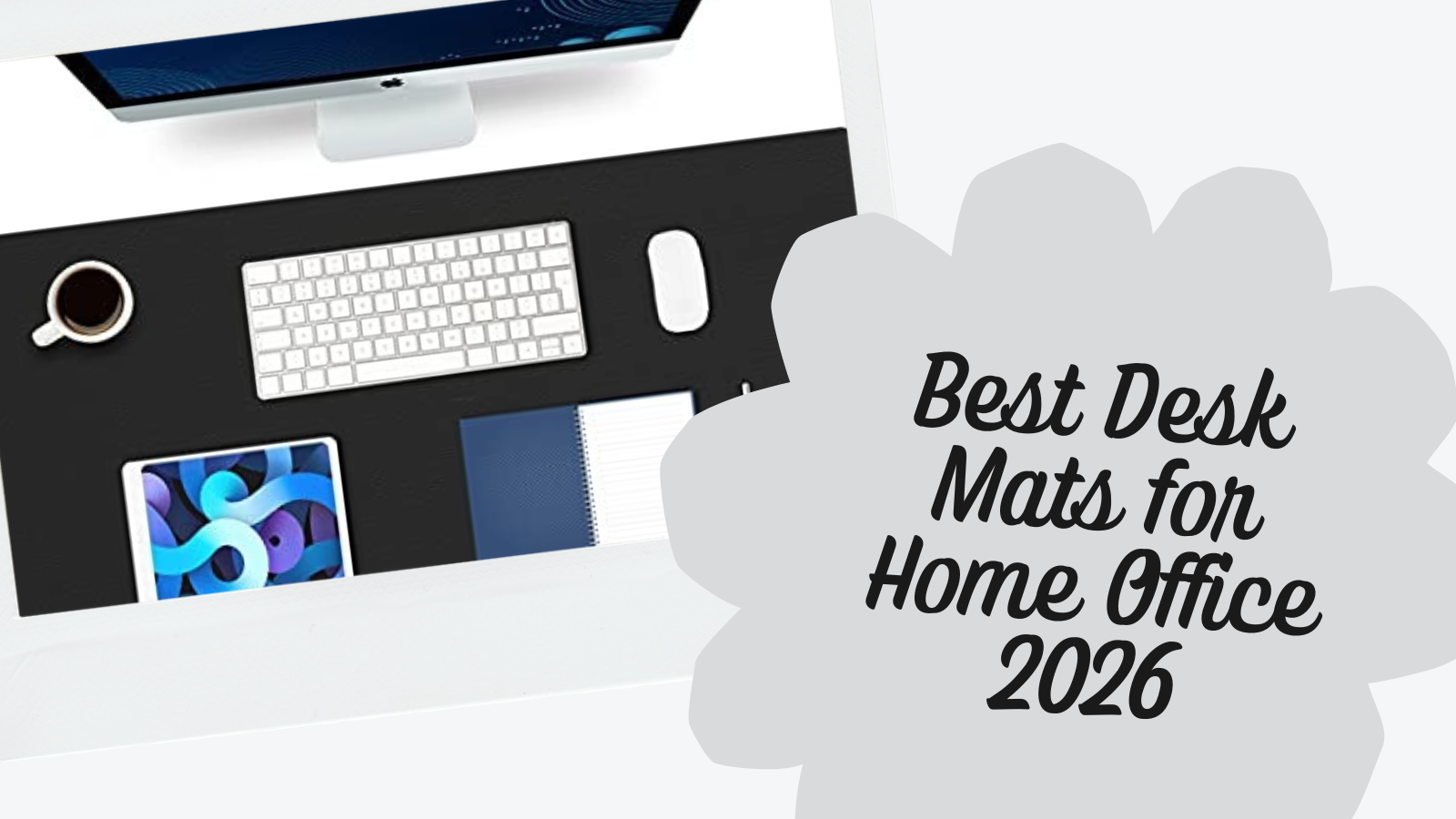
A desk mat protects your work surface, improves mouse tracking, and keeps your setup looking clean. The five mats below cover different materials, sizes, and price points so you can match one to your desk and budget.
Best overall: The K KNODEL PU Leather Desk Mat ($15-25) is waterproof, dual-sided, and around $25. Hard to beat for the price.
Best premium: The Londo Top Grain Leather Pad ($40-$50) is real top grain leather that ages well and feels noticeably better than PU.
Best for precision: The KTRIO Cloth Mouse Pad ($10-15) has a micro-weave surface and stitched edges built for accurate mouse tracking.
Quick Comparison
| Mat | Price | Material | Size | Waterproof | Best For |
|---|---|---|---|---|---|
| K KNODEL | $15-25 | PU leather, dual-sided | 31.5" x 15.7"+ | Yes | Best overall value |
| Londo | $40-$50 | Top grain leather | ~31" x 15" | No (condition regularly) | Premium feel |
| KTRIO | $10-15 | Micro-weave cloth | 31.5" x 11.8" | Water-resistant | Mouse precision |
| Aothia Large | $10-$18 | PU leather | 31.5" x 15.7" | Yes | Wide coverage |
| Aothia Small | $8-$15 | PU leather | 23.6" x 13.7" | Yes | Compact setups |
Our Top Picks
K KNODEL Large Office Leather Desk Mat: Best Overall
The K KNODEL is the best-selling desk mat on Amazon for good reason. At $15-25, it covers the basics well: waterproof PU leather, dual-sided design (two colors per mat), non-slip backing, and a 31.5" x 15.7" footprint that fits a full-size keyboard and mouse side by side.
Size: 31.5" x 15.7" (larger options available up to 47.2" x 23.6") Material: PU leather, dual-sided with different colors on each side Thickness: ~2mm Water/Heat Resistance: Fully waterproof. Coffee spills wipe off clean
Owners report the mat lays flat immediately out of the box with no curling and no chemical smell. The stitched border helps prevent edge peeling over time. Expect 12-18 months of daily use per side, so flipping it effectively doubles the lifespan to 2-3 years.
Buying Tips
- The mat frequently drops to $13-15 during Prime Day and Black Friday, so set a price alert
- PU leather works well with optical and laser mice at any DPI
- Measure your desk first: the 31.5" width needs at least a 48" desk to leave room on the sides
Londo Top Grain Leather Extended Mouse Pad: Best Premium
If you want real leather on your desk, the Londo is the pick. Top grain leather looks and feels noticeably different from PU leather. It develops a patina over time and has a weight and texture that synthetic materials can't replicate.
Material: Top grain leather Surface: Smooth finish for both mouse tracking and writing Base: Non-slip backing Price: $40-$50
The premium here is the material quality. PU leather mats look good on day one but stay the same; real leather improves with age. The trade-off is price ($40-$50 vs. $15-25 for the K KNODEL) and maintenance, since leather benefits from occasional conditioning to prevent drying out.
Buying Tips
- Apply leather conditioner every 3-6 months to maintain the surface
- Keep away from prolonged direct sunlight, which can dry and crack leather
- The smooth surface works well for mouse use but offers less friction than cloth mats
KTRIO Large Gaming Mouse Pad: Best for Precision
The KTRIO is a cloth desk mat built for precise mouse control. Its micro-weave surface provides consistent friction across the entire pad, which matters for low-sensitivity mouse users and anyone doing detailed design work.
Size: 31.5" x 11.8" Material: Micro-weave cloth with stitched edges Base: Non-slip rubber Water Resistance: Water-resistant coating (not fully waterproof) Price: $10-$15
The stitched edges are the durability feature here. Unstitched cloth mats fray at the edges within weeks of heavy use. The KTRIO's edges hold up well over months. At $10-$15, it's the cheapest mat on this list.
Buying Tips
- Cloth surfaces collect dust, so wipe down weekly or shake out to maintain tracking consistency
- The water-resistant coating handles small spills but won't survive a full coffee spill like PU leather
- Best paired with mice at any DPI, but especially strong for low-sensitivity precision work
Aothia Leather Desk Pad (31.5" x 15.7"): Best Large Coverage
The Aothia 31.5" x 15.7" is for anyone who wants a full-coverage desk mat at a budget price. The same PU leather construction as the K KNODEL, available in multiple colors including black, brown, gray, and pink.
Size: 31.5" x 15.7" Material: PU leather, waterproof Base: Non-slip backing Price: $10-$18
It's the same PU leather construction as the K KNODEL at a similar price. The trade-off: it's single-sided, so you don't get the dual-color flip option. If you want a specific color that K KNODEL doesn't offer, or prefer a slightly different edge finish, the Aothia is a solid alternative.
If you need wider coverage for a multi-monitor or full-keyboard layout, Aothia also makes a larger 36" x 17" version ($15-25). Same construction, same color options, just 4.5" wider. Useful for fitting a full mechanical keyboard plus a vertical mouse without running off the edge.
Buying Tips
- Sits flush under most monitor stands and laptop risers without wobble
- Available in multiple colors including black, brown, gray, and pink
- Same waterproof protection as the K KNODEL
Aothia Desk Pad (23.6" x 13.7"): Budget Pick
The smaller Aothia is the entry point. At $8-15 and 23.6" x 13.7", it works for compact desks, laptop-only setups, or anyone who just wants basic desk protection without spending $20+.
Size: 23.6" x 13.7" Material: PU leather, waterproof Base: Non-slip backing Price: $8-$15
The compact size is both the selling point and the limitation. It fits a laptop and mouse comfortably, but a full-size keyboard plus mouse will hang over the edges. If your setup is minimal, this is all you need.
Buying Tips
- Ideal for laptop users and small desk setups under 40" wide
- Same waterproof PU leather as the larger mats, just smaller
- At $8-15, it's cheap enough to replace annually without thinking twice
How Desk Mat Materials Compare
PU Leather ($8-30)
The most popular option for home offices. Waterproof, easy to clean, looks professional on camera. The trade-off: it can feel warm under forearms in hot weather and shows scratches from sharp objects.
Real Leather ($40-100+)
Ages better than PU leather and develops a patina over time. Requires occasional conditioning. More expensive but lasts longer with proper care.
Cloth ($10-25)
Best for precise mouse control. Provides consistent friction for low-sensitivity settings. Absorbs spills, collects dust, and needs regular cleaning.
Cork ($20-40)
Renewable material with natural antimicrobial properties. Thicker (3-4mm) so it offers more cushioning. Cracks if bent and absorbs water if the surface seal wears down.
Felt ($10-20)
Softest surface and reduces keyboard noise. Least durable. It pills, absorbs spills, collects pet hair. Needs replacement every 4-6 months.
Glass ($50-100+)
Ultra-smooth, durable under normal use, never stains. Premium price for the smoothest possible mouse glide.
Frequently Asked Questions
Which desk mat material is best for mouse tracking?
Cloth mats like the KTRIO provide the most consistent friction for precise mouse control, especially at low DPI settings. PU leather and real leather both work well for general office use and high-DPI mice. Glass offers the smoothest glide with the least friction.
How do you clean a PU leather desk mat?
Wipe with a damp cloth or disinfecting wipe. For stubborn stains, use a small amount of mild dish soap on a damp cloth and wipe dry. Don't submerge in water or machine wash.
Will a desk mat slide around on my desk?
All five mats on this list have non-slip backing (rubber or suede). They stay in place on wood, laminate, glass, and painted desk surfaces during normal use without adhesive.
How long do desk mats last?
PU leather mats last 12-18 months of heavy daily use per side. Real leather lasts longer with proper care, often several years. Cloth mats last 12-24 months depending on use and cleaning. Felt mats are the shortest-lived at 4-6 months.
What size desk mat should I get?
For desks 48" or wider with a full keyboard and mouse: 31.5" x 15.7" or larger. For compact setups or laptop-only: 23.6" x 13.7" is enough. Measure your desk and keyboard/mouse footprint before ordering.
Can I put a hot coffee mug on a PU leather desk mat?
Yes. PU leather resists heat from standard coffee and tea mugs (140-160°F). It won't melt, discolor, or transfer heat to the desk.
What desk mat pairs best with a standing desk?
Any of the PU leather options (K KNODEL, Aothia) work well on standing desks. They stay in place during height transitions and protect the desktop surface from monitor arm clamps and daily wear. For a complete standing desk setup, pair your mat with an UPLIFT V3 Standing Desk. The UPLIFT Desk 15-year warranty covers the frame and motors, and 50+ desktop materials let you match the mat to your surface. UPLIFT Desk also offers a Writing Desk Pad worth a look if you want a coordinated match.
All recommendations are based on specification analysis, expert reviews, and owner feedback, not personal testing.
Related Guides
- Best Ergonomic Desk Setup: Complete Guide: Full workstation walkthrough
- Best Ergonomic Chairs Under $400: Pair your desk mat with a quality chair
- Best Standing Desks Under $700: Protect your desk surface
- Best Wireless Mouse for Productivity: Find the right mouse for your mat
- Best Monitor Arms for Desk Space: Free up mat space with an arm
- Complete Home Office Setup Under $1,000: K KNODEL included in the budget build